
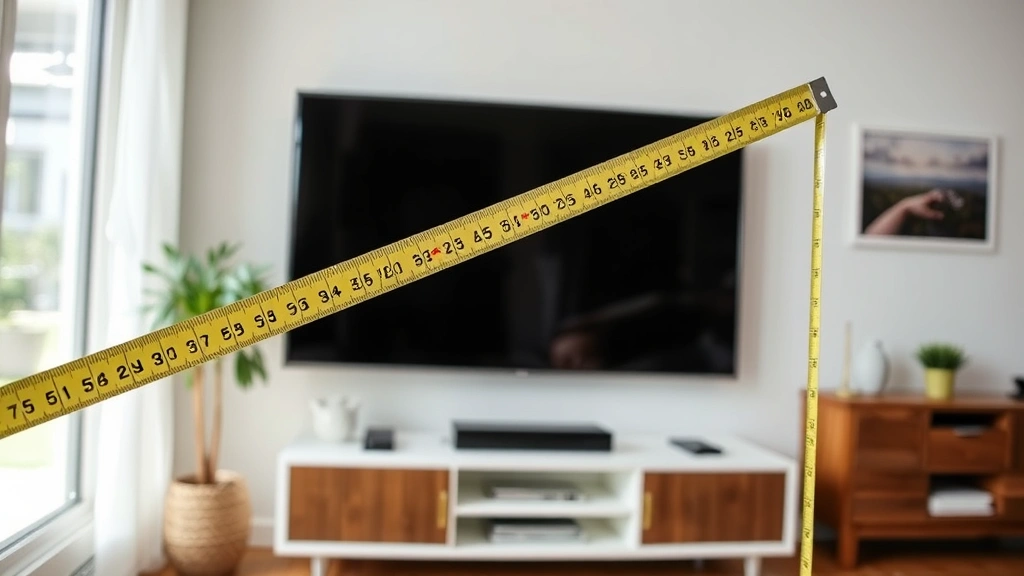
How to Measure TV Size: A Simple Guide
How to Measure TV Size: A Simple Guide
There’s something deeply satisfying about finding the perfect television for your space. But here’s the thing—most people get it wrong. They walk into a store, see a flashy 65-inch display looking absolutely massive in a showroom, buy it, and then watch it dominate their living room like an unwelcome houseguest. The secret? Understanding exactly how to measure TV size before you commit to a purchase.
Measuring a TV isn’t rocket science, but it does require knowing what you’re actually measuring and why it matters. Whether you’re upgrading your home theater setup, mounting a TV above your fireplace, or fitting one into a cozy bedroom corner, getting the measurement right transforms the viewing experience from awkward to absolutely perfect.
This guide walks you through every method, from the basics to the nuances that retailers won’t necessarily tell you about. By the end, you’ll know exactly how to assess any television and make an informed decision that works for your specific space.
Understanding TV Sizes: Diagonal Measurements Explained
When someone says they have a 55-inch TV, they’re referring to the diagonal measurement of the screen itself—not the width or height. This measurement runs from one corner of the display to the opposite corner, corner-to-corner across the screen. It’s the industry standard, and it’s been this way for decades.
Here’s why this matters: a 55-inch TV isn’t actually 55 inches wide. The width is typically around 48 inches, and the height sits closer to 28 inches. This diagonal measurement can be deceptive if you’re trying to visualize how large the TV will actually look in your space. It’s similar to how other measurements work—like when you’re learning how to measure ring size or getting precise with how to measure hat size, understanding the specific measurement method prevents costly mistakes.
TV manufacturers use diagonal measurements because it’s a simple, standardized way to categorize screens. However, what really impacts your viewing experience is the actual width and height of the screen, along with your distance from it. A 55-inch TV in a small bedroom feels completely different than the same size TV in a spacious living room.
Most modern televisions come in standard sizes: 32, 40, 43, 50, 55, 65, 75, 85, and 98 inches. Each represents a diagonal measurement, and each creates a distinctly different visual experience depending on where you place it.
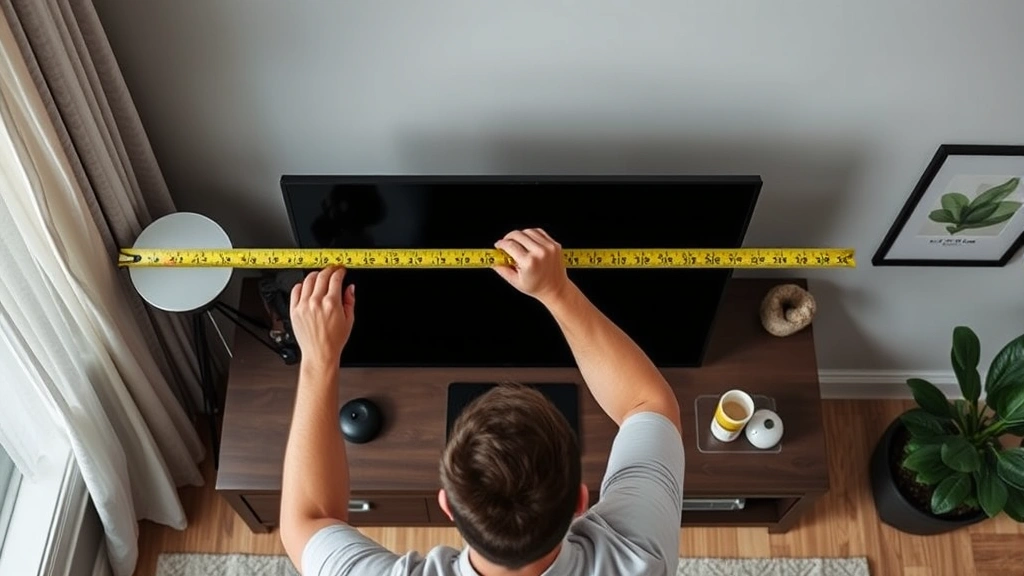
Tools You’ll Need to Measure a TV
You don’t need fancy equipment to measure a TV accurately. A simple tape measure—the kind most people already have in a junk drawer—works perfectly fine. However, having the right tools makes the process smoother and more precise.
- Tape measure: A standard 25-foot tape measure is ideal. Cloth measuring tapes work too, though they’re less rigid and can be harder to read accurately.
- Straightedge or level: This helps ensure your tape measure runs in a perfectly straight line across the diagonal, preventing measurement errors.
- Smartphone: Many modern phones have built-in measurement apps that use augmented reality. These aren’t always precise for exact measurements, but they’re helpful for quick estimates.
- Notepad: Write down your measurements immediately. Don’t rely on memory, especially if you’re checking multiple TVs or spaces.
- Calculator: Useful for converting between measurement units or calculating viewing distances based on recommended ratios.
If you’re measuring a TV that’s already installed and difficult to access, a laser tape measure can save you from awkward stretching and contorting. These tools project a laser beam to calculate distance, making them particularly useful for wall-mounted televisions.
Step-by-Step Measurement Process
Now let’s get into the actual measurement. This process works whether you’re measuring a TV in a store, at a friend’s house, or one you already own.
Step 1: Position yourself properly. Stand directly in front of the TV at a comfortable distance. You want to see the entire screen without straining your neck or eyes. This is your baseline viewing position.
Step 2: Identify the screen corners. Look at the actual display area, not the bezels (the black or colored frame around the screen). The measurement should run from the corner of the active screen area to the opposite corner—typically from the top-left to the bottom-right corner, or vice versa.
Step 3: Extend your tape measure diagonally. Start at one corner and pull the tape measure diagonally across the screen to the opposite corner. Keep the tape measure as taut as possible and ensure it runs in a straight line. This is where that straightedge or level comes in handy—you can use it to guide the tape measure and keep it from sagging.
Step 4: Read the measurement. Where the tape measure meets the opposite corner is your diagonal measurement. Record this number immediately. If you’re checking multiple TVs, label each measurement clearly.
Step 5: Measure the width and height separately. While you’re at it, measure from the leftmost to rightmost edge of the screen (width) and from the top to bottom (height). These measurements help you understand how the TV will actually fit in your space, which is often more important than the diagonal measurement alone.
Pro tip: If you’re measuring a TV still in its box, check the box specifications first. Most manufacturers print the diagonal size prominently on the packaging, along with width and height dimensions. This saves you from opening the box unnecessarily.
Measuring for Your Viewing Distance
Here’s where most people miss the mark. The size of your TV matters far less than how far you sit from it. Getting this relationship right is what separates an immersive viewing experience from one that feels uncomfortable or underwhelming.
The general rule of thumb is that you should sit approximately 1.5 to 2.5 times the diagonal screen size away from your TV. So if you have a 55-inch TV, you’d ideally sit between 6.9 and 11.5 feet away. For a 65-inch TV, that’s 8.1 to 13.6 feet.
To measure your viewing distance, start at your primary seating position and measure the distance to where your TV will be mounted or placed. Use your tape measure to get an accurate distance. Then, divide this distance by 1.5 and by 2.5 to find your ideal TV size range.
For example, if you sit 10 feet from your TV: 10 ÷ 2.5 = 4 inches (minimum diagonal), and 10 ÷ 1.5 = 6.7 inches (maximum diagonal). This means a TV between 40 and 65 inches would work well for your space.
This calculation becomes even more important when you’re considering premium resolution content. If you’re watching 4K content, you can actually sit closer to the screen without noticing individual pixels, which allows for larger TV sizes in smaller spaces. Regular 1080p content benefits from slightly more distance.
Think of measuring for viewing distance the same way you’d approach other precision measurements—like understanding how to measure inseam for perfectly fitting pants. The exact dimensions matter less than how they work in context with your body and space.
Account for TV Bezels and Stand Dimensions
Here’s something that catches people off guard: the actual physical footprint of your TV extends beyond the screen itself. The bezels—those borders around the display—add width and height to the overall dimensions. The stand, if you’re not wall-mounting, adds even more depth and width.
When you measure just the screen diagonally, you’re getting one piece of the puzzle. To truly understand how a TV will fit in your space, you need three additional measurements:
- Overall width with stand: This is the full width from one edge of the TV to the other, including any stand legs or base. This measurement determines whether the TV actually fits on your entertainment console.
- Overall height with stand: Measure from the bottom of the stand to the top of the screen. This tells you whether the TV clears your fireplace mantel or fits comfortably on a shelf.
- Depth with stand: Measure from the back of the TV to the front edge of the stand. This ensures you have enough clearance if the TV sits on a piece of furniture with limited depth.
- Wall-mount depth (VESA distance): If you’re mounting the TV, measure how far the mounting bracket extends from the wall. This matters if you have shelves, artwork, or other elements near the TV.
Most TV specifications include these measurements, and you can find them on the manufacturer’s website or on the retail product page. Jot them down before you buy, or better yet, bring them with you when shopping. This prevents the frustrating scenario where your new TV arrives and doesn’t fit where you planned.
Comparing Aspect Ratios and Screen Real Estate
All modern TVs use a 16:9 aspect ratio, meaning for every 16 units of width, there are 9 units of height. This has been the standard since the early 2000s and gives you the rectangular landscape orientation we’re all accustomed to.
However, understanding this ratio helps you calculate exact dimensions. If you know the diagonal measurement, you can use the Pythagorean theorem to determine width and height. For a 16:9 TV: width = diagonal × 0.873, and height = diagonal × 0.491.
This might seem overly mathematical, but it’s useful when comparing TVs or visualizing size differences. A 55-inch TV has roughly 1,200 square inches of screen area. A 65-inch TV has roughly 1,700 square inches. That’s a 40% increase in screen real estate, which is more significant than the diagonal measurement alone suggests.
When you’re comparing options, don’t just look at the diagonal numbers. Calculate the actual screen area difference. You might find that stepping up from 55 to 65 inches is worth the investment, or you might realize a 50-inch TV gives you nearly the same viewing experience at a lower cost.
This concept applies to other measurements too—understanding the full picture matters. Just as how to measure waist and how to measure hips work together to determine proper clothing fit, TV measurements work together to determine viewing comfort.
Wall Mount Considerations and Space Planning
If you’re mounting your TV on a wall, the measurement process takes on additional complexity. You’re not just measuring the TV itself; you’re measuring your wall space, clearance distances, and ideal height.
Wall space measurement: Measure the width and height of the wall where you want to mount the TV. Ensure the TV’s width (with bezels) is at least a few inches smaller than your available wall space on each side. This prevents the TV from looking cramped and allows room for speakers or other components.
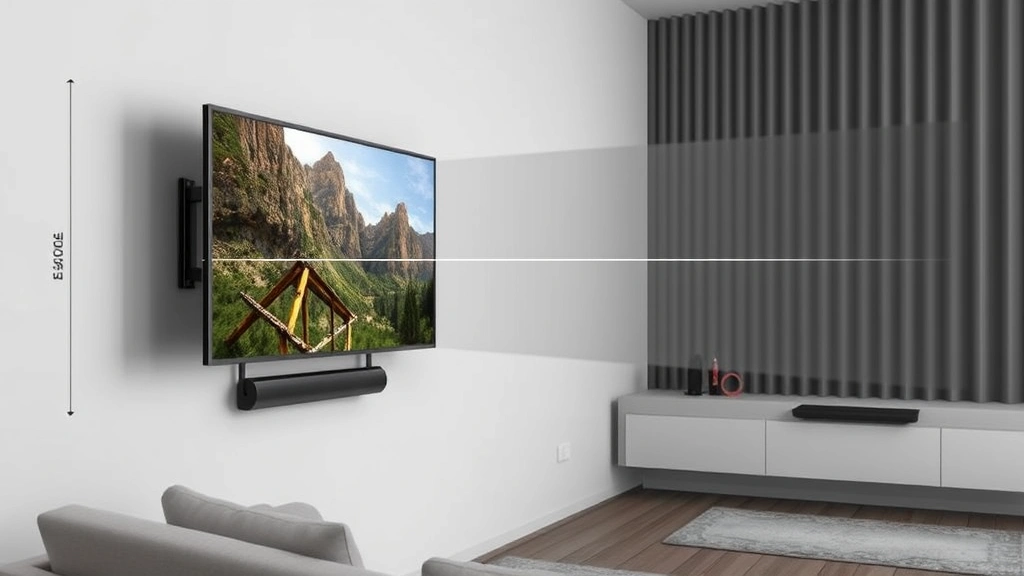
Mounting height: Measure from your primary seating position to where your eye level sits when you’re relaxing. The center of the TV should be at or slightly below eye level. Measure this height on your wall and mark it. From this center point, calculate where the top and bottom of the TV will be, then mark those points as well. This ensures your TV is at the optimal viewing angle—typically between -15 and 0 degrees below eye level.
Clearance distances: If you’re mounting above a fireplace, furniture, or shelving, measure the distance from the TV to those elements. You want at least 12 inches of clearance above the TV for heat dissipation and visual breathing room. Measure carefully if you have wall-mounted speakers or soundbars—the TV shouldn’t overlap them.
Cable management space: Measure the depth available behind your mounting location for cable runs and connections. If you’re mounting directly to drywall, you’ll need conduit or a raceway to hide cables. Measure the wall thickness and available space to plan accordingly.
For wall-mount installation, This Old House offers comprehensive TV mounting guides that cover measurement and installation in detail. Their recommendations align with professional installer standards.
Before you drill any holes, create a cardboard template the exact size of your TV. Tape it to the wall in your proposed location and live with it for a day. Sit in your usual seating position and see if the placement feels right. This low-cost test prevents expensive mistakes.
Frequently Asked Questions
What’s the difference between measuring a TV’s screen size and its physical size?
The screen size is the diagonal measurement of just the display area. The physical size includes the bezels, stand, and any other components. You need both measurements to understand how the TV will fit in your space. Screen size determines what you see; physical size determines where it can go.
Can I measure a TV through its packaging without opening it?
Yes. Manufacturers print the diagonal size and often the full dimensions on the box. Check the specifications on the packaging or look up the model number online to find exact dimensions. This is actually the safest approach since you don’t disturb a new purchase.
Is a 55-inch TV really 55 inches wide?
No. A 55-inch TV is approximately 48 inches wide and 28 inches tall. The 55 inches refers to the diagonal measurement from corner to corner. This is a common source of confusion when people buy TVs without understanding how diagonal measurements work.
What’s the best viewing distance for a 65-inch TV?
The ideal viewing distance for a 65-inch TV is between 8.1 and 13.6 feet (1.5 to 2.5 times the diagonal size). If your seating is within this range, you’ll get an optimal viewing experience. If you sit closer, the image might feel too large; if you sit farther, you might miss detail.
How do I measure a wall-mounted TV that’s already installed?
Use a tape measure to measure from one corner of the screen to the opposite corner, keeping the tape as straight as possible. If the TV is mounted high on a wall, a laser tape measure is safer and more convenient than a standard tape measure. Alternatively, look up your TV’s model number and find the specifications online.
Should I measure the TV with or without its stand?
Measure both. The screen size (diagonal) is always measured without the stand. However, when planning where the TV will go, you need measurements that include the stand. This tells you whether it fits your entertainment console or wall space.
What if my room is too small for the recommended viewing distance?
If your space is tight, go with a smaller TV. A 43 or 50-inch TV in a small room beats a 65-inch TV that forces you to sit uncomfortably close. Alternatively, if you’re watching 4K content exclusively, you can sit slightly closer than the traditional guidelines suggest without noticing pixelation.
Does TV thickness affect how I should measure or mount it?
Modern TVs are incredibly thin, but thickness does matter for wall mounting. Check the VESA measurement (the distance between mounting holes) to ensure your mount is compatible. Thickness also affects heat dissipation, so you still need 12 inches of clearance above the TV even though it’s thin.

Related Posts

How Long to Boil Lobster Tails: Cooking Guide

How Long to Fly from New York to London? Travel Times
