
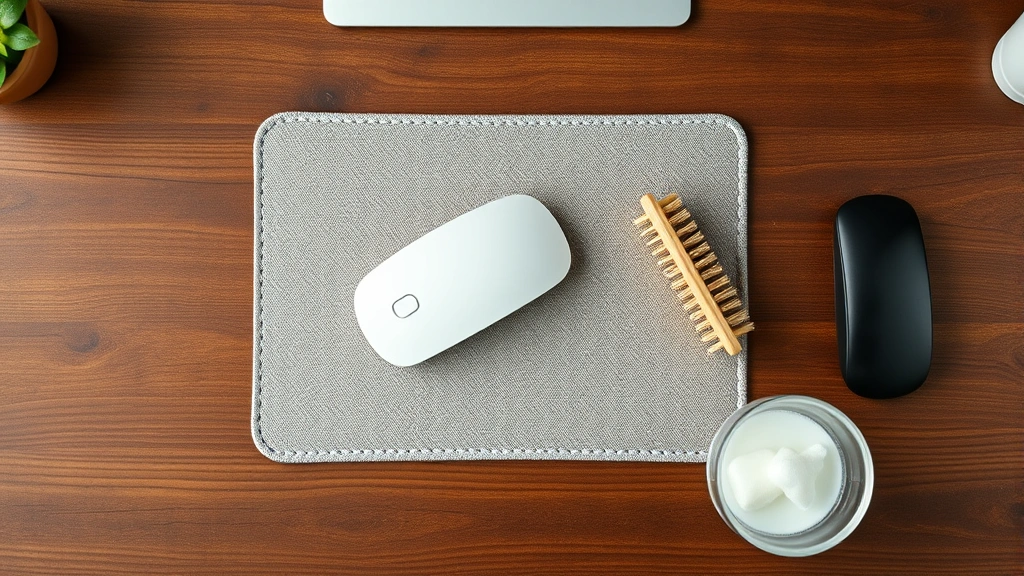
How to Wash a Mousepad: Expert Guide
How to Wash a Mousepad: Expert Guide to Keeping Your Desk Essential Clean
Your mousepad is one of those desk accessories you probably don’t think about until it starts looking like it’s been through a dust storm. Between daily use, coffee spills, and the general grime that accumulates on your workspace, your mousepad deserves some proper attention. Whether you’re rocking a premium cloth pad, a sleek hard surface, or something with RGB lighting built in, knowing how to wash it properly can extend its lifespan and keep your mouse tracking smoothly.
The good news? Cleaning your mousepad isn’t complicated, and you likely already have everything you need at home. The challenge is understanding the nuances between different materials and cleaning methods so you don’t accidentally damage your pad or compromise its performance. We’re going to walk you through the entire process, from identifying your mousepad material to mastering the best cleaning techniques.
Think of mousepad maintenance as preventative care for your setup. Just like you’d maintain other desk essentials, giving your mousepad regular attention keeps it functioning optimally and looking fresh. Let’s dive into the specifics.
Identifying Your Mousepad Material
Before you start scrubbing, take a moment to identify what your mousepad is actually made of. Most mousepads fall into one of three categories: cloth, hard plastic or rubber base, or hybrid designs that combine both materials. Your mousepad’s material determines which cleaning method works best and what products are safe to use.
Cloth mousepads are the most common type among gamers and professionals. They typically feature a fabric surface (usually polyester or a microfiber blend) with a rubber or foam base. These pads grip your desk well and provide excellent mouse tracking. Hard mousepads, on the other hand, use plastic, aluminum, or glass surfaces with rubber feet. They’re sleeker, more portable, and often easier to clean, though they can be less comfortable for extended gaming or work sessions.
Some premium mousepads combine both worlds with a hybrid construction. These might have a cloth top surface with a hard base, or vice versa. If you’re unsure about your specific pad, check the manufacturer’s website or the documentation that came with it. This information is crucial because using the wrong cleaning method on certain materials can cause discoloration, deterioration, or damage to the surface.
Supplies You’ll Need
Here’s the beauty of cleaning your mousepad: you probably don’t need to buy anything special. Most households have the basic supplies required for effective mousepad cleaning. Let’s break down what you’ll want to have on hand.
For general cleaning:
- Lukewarm water (not hot)
- Mild dish soap or gentle cleanser
- Soft-bristled brush or old toothbrush
- Microfiber cloths (lint-free is best)
- White vinegar (optional, for stubborn stains)
- Isopropyl alcohol (70% solution, for hard surfaces)
For specialized situations:
- Baking soda (for odor removal and gentle abrasion)
- Enzyme-based stain remover (for organic stains)
- Magic erasers (use carefully on hard pads only)
- Towels for drying
Avoid harsh chemicals like bleach, acetone, or strong solvents. These can damage the surface, strip colors, or compromise the material’s integrity. Think of it like washing a delicate item—gentle is always better than aggressive when you’re trying to preserve something you use daily.
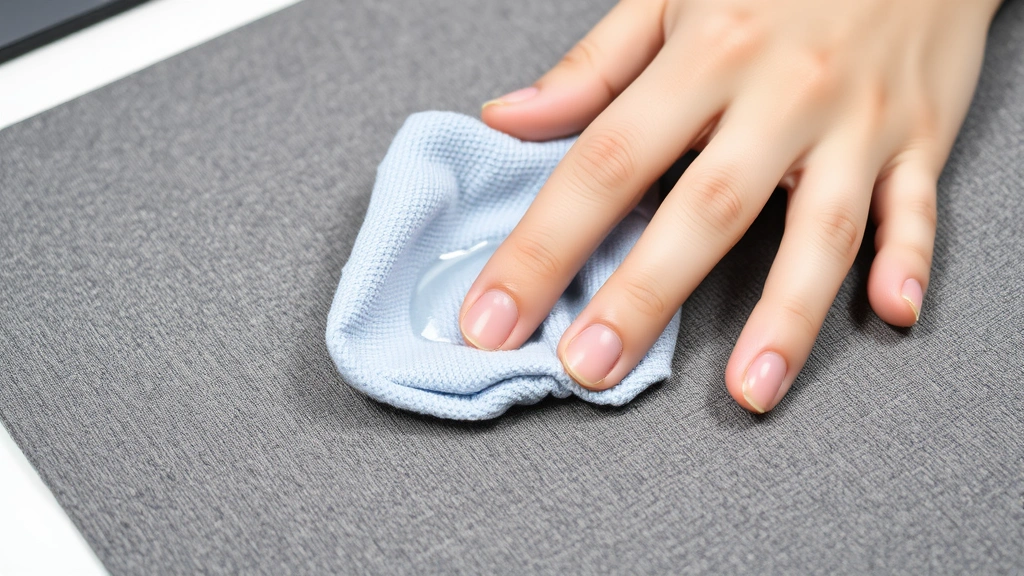
Cleaning Cloth Mousepads
Cloth mousepads require a slightly gentler touch than their hard counterparts, but they’re incredibly forgiving if you follow basic guidelines. The goal is to remove surface dust, oils, and stains without saturating the material or damaging the rubber base.
Step 1: Remove Surface Dust
Start by holding your mousepad over a trash can and gently tapping it to dislodge loose dust and debris. You can also use a soft brush or even a lint roller to lift surface particles. This preliminary step prevents you from creating muddy water when you wet-clean the pad later.
Step 2: Prepare Your Cleaning Solution
Mix lukewarm water with a small amount of mild dish soap. You want the solution to be barely soapy—think gentle bubble bath, not aggressive scrubbing. A typical ratio is one teaspoon of dish soap per cup of water. If you’re dealing with stubborn stains, add a tablespoon of white vinegar or a small amount of baking soda to the solution.
Step 3: Wet Clean the Surface
Dip a soft cloth or soft-bristled brush into your cleaning solution and gently work it across the mousepad surface using circular motions. Focus on stained or discolored areas, but don’t ignore the entire surface—this helps maintain consistent appearance. Avoid aggressive scrubbing, which can damage fibers or push dirt deeper into the fabric.
Step 4: Address Stubborn Stains
For coffee, food, or other persistent marks, make a paste with baking soda and water. Apply it directly to the stain and let it sit for 5-10 minutes, then gently scrub with a soft brush. This method is particularly effective because baking soda acts as a gentle abrasive without being harsh on the fabric. If you’re dealing with something like ink or permanent marker, isopropyl alcohol on a cloth might help, but test it on an inconspicuous corner first.
Step 5: Rinse Thoroughly
Using a clean, damp cloth with plain lukewarm water, rinse away all soap residue. This step is crucial—leftover soap can leave a sticky residue that actually attracts more dirt. Keep rinsing until the water runs clear and you don’t see any soap bubbles.
Just like how you’d approach cleaning sterling silver requires understanding the material’s sensitivity, cloth mousepads need that same thoughtful approach. The key is patience and gentleness rather than force.
Cleaning Hard Surface Mousepads
Hard mousepads are wonderfully low-maintenance compared to cloth versions. Whether your pad is plastic, aluminum, or glass, the cleaning process is straightforward and forgiving.
Step 1: Quick Dust Removal
Wipe down the surface with a dry microfiber cloth to remove dust and loose debris. Hard surfaces make this easy—most particles will slide right off without much effort.
Step 2: Wet Cleaning
Mix the same mild soap and water solution (one teaspoon dish soap per cup of lukewarm water) and dampen a microfiber cloth. Wipe the entire surface, paying special attention to edges and corners where dust tends to accumulate. Hard surfaces are forgiving, so you can apply a bit more pressure than you would with cloth pads.
Step 3: Disinfect if Needed
For hard mousepads that see heavy use, you can use a 70% isopropyl alcohol solution. Dampen a cloth with the alcohol and wipe down the surface. This is particularly useful if your mousepad has been exposed to illness or you simply want extra sanitation. Allow it to air dry—the alcohol evaporates quickly.
Step 4: Tackle Stubborn Marks
Permanent marker or ink on hard pads? A magic eraser works wonders, but use it sparingly and with a light touch. Dampen the magic eraser slightly and gently rub the affected area. Test on a hidden corner first to ensure it doesn’t affect the finish.
Step 5: Clean the Rubber Feet
Don’t forget the rubber feet on the bottom of your mousepad. These can accumulate dust and debris that affects how your pad sits on your desk. Use a damp cloth or an old toothbrush to clean around and underneath the feet. If the feet feel sticky or deteriorated, they might need replacement—check if your manufacturer offers replacement feet.
The process is similar to how you’d maintain other household items. Much like cleaning Uggs requires specific techniques based on material, each mousepad type benefits from tailored care.
Special Cases and Materials
RGB and Illuminated Mousepads
If your mousepad has built-in lighting or electronic components, be extra cautious with moisture. Clean only the top surface and avoid getting water near any ports, cables, or electronic elements. Use a barely damp cloth rather than a wet one, and never submerge these pads. If you need to clean the edges or bottom, use a dry cloth or very slightly damp cloth.
Gaming-Specific Speed Pads
High-performance gaming mousepads designed for speed require gentle care. These typically have a smooth, specialized coating that enhances mouse glide. Clean them with minimal water and mild soap, and always use a soft cloth. Avoid abrasive materials like magic erasers, as these can compromise the specialized surface coating that makes the pad perform well.
Wireless Charging Mousepads
These premium pads combine functionality with charging capability. Keep them completely dry—moisture near charging components is a no-go. Stick to dry cloth cleaning or barely damp cloths for the surface only. Never submerge or use excessive water on these pads.
Leather or Premium Material Pads
Some luxury mousepads use genuine leather or leather-like synthetic materials. These require even gentler care than cloth pads. Use a dry cloth primarily, and when wet cleaning is necessary, use minimal water with a soft cloth. Leather conditioner designed for electronics or furniture might be appropriate—check the manufacturer’s recommendations first. Treating these pads is similar to how you’d approach cleaning retainers with delicate materials in mind—thoughtful and conservative with cleaning agents.
Drying and Storage Tips
Proper drying is just as important as the cleaning process itself. Moisture left in or on your mousepad can lead to mold, mildew, or deterioration of the rubber base.
Drying Cloth Mousepads
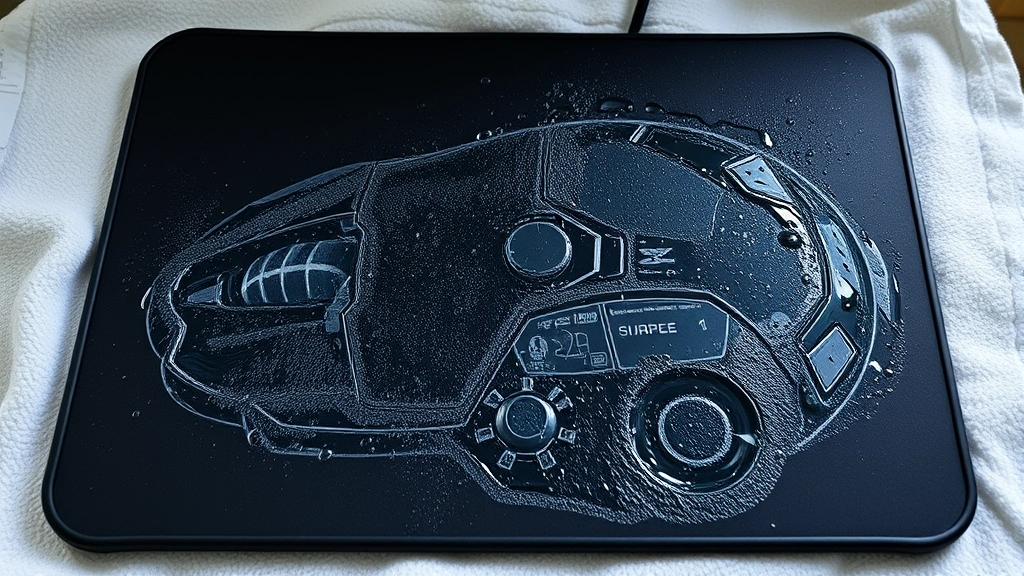
After rinsing, gently squeeze out excess water (don’t wring it like you’re wringing out a mop). Lay the pad flat on a clean, dry towel. You can pat it down with another towel to absorb more moisture. Leave it in a well-ventilated area away from direct heat sources or sunlight. A fan can speed up the drying process. Depending on humidity and thickness, this typically takes 4-8 hours. Never use a hair dryer or place it near a heat vent—excessive heat can damage the material or rubber base.
Drying Hard Mousepads
These are much faster. Simply wipe them down with a dry microfiber cloth and they’re ready to go. If you used isopropyl alcohol, it evaporates almost immediately. Make sure the rubber feet are also dry before using the pad again.
Storage Between Cleanings
Store your mousepad in a clean, dry environment away from extreme temperatures. If you’re not using your setup for an extended period, store the pad in a drawer or protective case rather than leaving it exposed on your desk. This minimizes dust accumulation and keeps it in better condition for when you return to your workspace.
Regular Maintenance Schedule
The best approach to mousepad cleanliness is prevention through regular maintenance. You don’t need to do a deep clean every week, but consistent light maintenance makes a huge difference.
Weekly: Light Dusting
Spend 30 seconds once a week gently wiping your mousepad with a dry microfiber cloth. This removes surface dust and prevents buildup. It’s the equivalent of a quick tidy-up—minimal effort, maximum benefit.
Monthly: Surface Clean
Once a month, do a gentle wet clean with mild soap and water. This keeps your pad looking fresh and prevents stains from setting in. This is less intensive than a deep clean but more thorough than daily dusting.
Quarterly: Deep Clean
Every three months, do a comprehensive clean following the full procedures outlined above. This is your chance to address any stubborn stains and ensure the entire pad is thoroughly sanitized.
As-Needed: Spot Cleaning
When spills happen (and they will), address them immediately. The sooner you clean a stain, the easier it is to remove. Blot up liquids right away and follow up with a damp cloth and appropriate cleaning solution.
This maintenance philosophy mirrors how you’d approach cleaning stainless steel pans—regular light maintenance beats occasional heavy-duty scrubbing. Consistency is your friend here.
Another consideration for workspace care involves managing your entire environment. Removing static from clothes might seem unrelated, but a clean, well-maintained workspace actually helps reduce static electricity and dust accumulation overall. Taking care of your mousepad is part of maintaining a healthy work environment.
Frequently Asked Questions
Can I put my mousepad in the washing machine?
Generally, no. Even though cloth mousepads are made from washable materials, the rubber base and construction aren’t designed for machine washing. The agitation, heat, and spin cycle can damage the base, warp the pad, or compromise the mouse-tracking surface. Hand washing with mild soap and water is always the safer choice. If your pad is extremely dirty, you might be tempted, but trust us—the gentle approach will extend your mousepad’s life significantly.
Is it safe to use bleach on my mousepad?
Absolutely not. Bleach is far too harsh for mousepad materials. It can discolor fabric, degrade rubber components, and potentially damage the surface coating on hard pads. Stick to mild dish soap, white vinegar, or baking soda. These gentler options are effective without the risk of damage.
How often should I replace my mousepad?
With proper care, a quality mousepad can last 3-5 years or longer. Replace it sooner if the surface becomes damaged, the tracking deteriorates significantly, or the rubber base starts crumbling. Regular cleaning extends the lifespan considerably, so the effort you put into maintenance directly translates to longevity.
What should I do if my mousepad has a permanent odor?
Baking soda is your solution. Sprinkle it on the pad, let it sit for several hours (or overnight), then vacuum or brush it off. For stubborn odors, you can mix baking soda with water to form a paste, apply it to the pad, let it dry, then brush it off. This works for both cloth and hard pads and is completely safe.
Can I use paper towels instead of microfiber cloths?
Paper towels work in a pinch, but microfiber cloths are superior. They’re gentler, more absorbent, and don’t leave lint behind like paper towels often do. If you don’t have microfiber cloths, regular cotton cloths work fine too. Just avoid rough or textured materials that might scratch the surface.
What’s the best way to remove coffee stains from my mousepad?
Act quickly—blot up the spill immediately with a clean cloth. Then mix equal parts white vinegar and water, dampen a cloth with the solution, and gently rub the stained area. If the stain persists, make a paste with baking soda and water, apply it to the stain, let it sit for 10 minutes, then gently scrub. Rinse thoroughly and let dry completely.
Are gel mousepads easier to clean than cloth pads?
Gel pads (which typically have a gel-filled wrist rest attached) are relatively easy to clean. Wipe them down with a damp cloth and mild soap, just like you would a hard mousepad. The gel itself is sealed, so it won’t absorb moisture. However, be careful not to get excess water around the edges where the gel meets the pad, as this could compromise the seal over time.

Related Posts

How Long to Boil Lobster Tails: Cooking Guide

How Long to Fly from New York to London? Travel Times
