
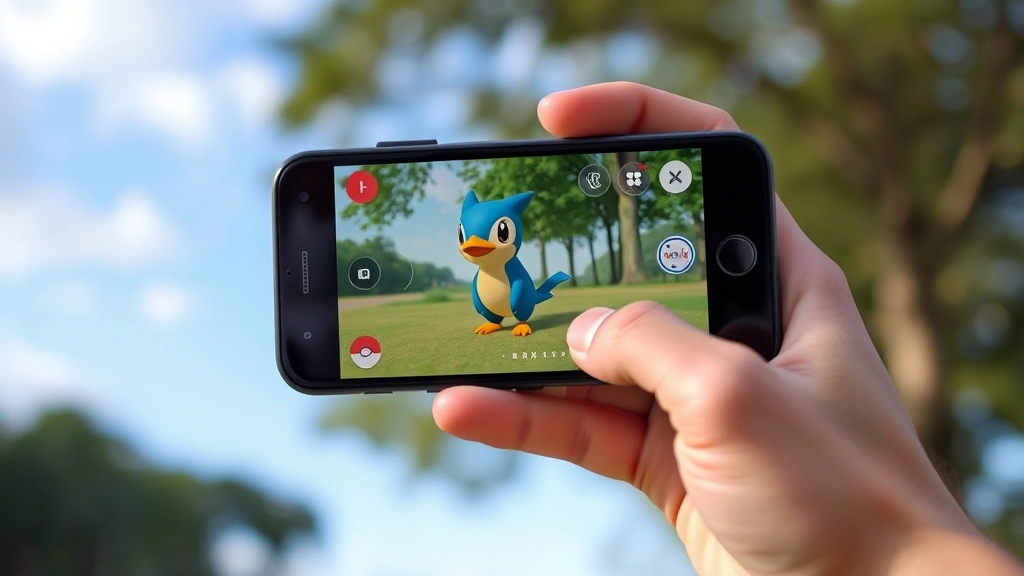
How to Evolve Inkay in Pokémon Go: Expert Guide
How to Evolve Inkay in Pokémon Go: Expert Guide
Evolving Inkay into Malamar has become one of the most intriguing challenges in Pokémon Go, and honestly, it’s way more entertaining than your typical evolution mechanic. Unlike most Pokémon that simply require candy and a button tap, Inkay demands a bit of creativity and physical interaction with your phone. If you’ve been staring at your Inkay wondering what the heck to do next, you’re not alone—this evolution stumped plenty of trainers when it first dropped.
The beauty of this evolution lies in its uniqueness. Niantic decided to spice things up by incorporating a real-world action into the game mechanics, making the experience feel less like tapping through menus and more like actually training your Pokémon. Whether you’re a casual player or someone grinding through the Pokédex, understanding this mechanic will save you time and frustration.
This guide breaks down everything you need to know about evolving Inkay, including the exact steps, common mistakes to avoid, and pro tips that’ll make the process smooth as silk. Let’s dive in.
Requirements for Evolving Inkay
Before you attempt the evolution, you’ll need to gather a few things. First and foremost, you need an Inkay—pretty obvious, but worth stating. Make sure you’ve caught one and have it ready in your Pokémon storage. You can find Inkay in various locations depending on your region and the current weather conditions in the game. They typically spawn in urban areas and near bodies of water, though availability varies by season.
The second requirement is candy. You’ll need 50 Inkay candy to evolve your Inkay into Malamar. If you’re running low on candy, consider walking Inkay as your buddy Pokémon—you’ll earn one candy for every kilometer walked. Alternatively, you can catch more Inkay to accumulate candy faster, especially during events that offer bonus candy rewards.
Here’s where it gets interesting: you also need to perform a specific action with your phone. Unlike traditional evolutions, Inkay’s evolution requires you to turn your phone upside down and then tap the evolve button. This is the crucial mechanic that sets Inkay apart from virtually every other Pokémon in the game. It’s inspired by the original games where Malamar’s evolution was tied to holding your game console upside down—a nice callback to the source material.
You’ll also want to ensure your phone’s screen rotation is enabled. If your device has rotation lock turned on, you’ll need to disable it for this to work. This is a common oversight that trips up many trainers.
Step-by-Step Evolution Process
Now let’s walk through the actual evolution. Start by opening Pokémon Go and navigating to your Inkay. Tap on it to open its profile screen. You should see the standard evolution button displayed—it’ll show Malamar as the evolution option alongside the candy cost.
Before you tap anything, physically rotate your phone 180 degrees so it’s completely upside down. Your screen should flip with it thanks to your enabled auto-rotate setting. Hold it steady in this position—you don’t need to do anything fancy, just keep it inverted.
While your phone is upside down, tap the evolution button. The animation should trigger, and you’ll watch Inkay transform into Malamar right there on your screen. The whole process takes just a few seconds, and boom—you’ve got yourself a new Pokémon.
Once the evolution completes, you can flip your phone back to normal orientation. Your newly evolved Malamar will appear in your collection with the candy cost deducted from your total. Pretty straightforward once you know the trick, right?

Common Mistakes and How to Avoid Them
The most frequent mistake trainers make is not having auto-rotate enabled on their device. If you’ve been trying to evolve Inkay and nothing happens when you tap the button while upside down, this is likely your culprit. Head into your phone’s settings and enable auto-rotate for your screen. On most Android devices, this is in Display settings. For iPhones, swipe down from the top-right corner and tap the rotation lock icon to disable it.
Another common error is not rotating your phone far enough. You need to turn it a full 180 degrees—not just tilting it. The game actually detects the orientation, so a half-hearted attempt won’t work. Make sure you’re rotating it completely upside down before tapping that evolution button.
Some players also attempt the evolution without having enough candy. Double-check your candy count before attempting this. The game will prevent you from evolving if you don’t have the required amount, but it’s worth verifying beforehand to save yourself the hassle of setting up the rotation for nothing.
Timing can also be tricky. Don’t rotate your phone too early or too late relative to tapping the button. The ideal sequence is: rotate your phone upside down, tap the evolution button immediately, and keep the phone inverted through the evolution animation. If you flip it back too soon, the evolution might not register properly.
Pro Tips for Success
If you’re having persistent trouble, try this technique: hold your phone upside down for a few seconds before tapping the evolution button. This gives the game’s sensors time to register the orientation change. Some devices are slower to detect rotation changes, so patience here pays off.
Consider evolving in a location where you can hold your phone safely without worrying about dropping it. You don’t want to fumble and interrupt the process. A comfortable seated position with good lighting works best.
If you’re interested in exploring more gaming mechanics and strategies, you might want to check out our blog where we cover various gaming topics and guides. For those curious about other creative game mechanics, our guide on how to make smooth stone in other games showcases different crafting systems you might enjoy.
Another pro tip: evolve during daytime or in well-lit conditions. This ensures your screen rotation sensors work optimally. Dim lighting or extreme angles can sometimes confuse your device’s accelerometer.
For trainers who want to master Inkay evolution specifically, our detailed how to evolve Inkay guide provides additional context and troubleshooting steps beyond what we’ve covered here.
Malamar Stats and Moveset
Once you’ve successfully evolved your Inkay into Malamar, you’ll want to know what you’re working with. Malamar is a Dark/Psychic-type Pokémon with solid stats. Its attack power is respectable at 165, with defense at 127 and stamina at 157. These stats make it a decent choice for PvE content and casual PvP battles, though it’s not considered a top-tier competitive Pokémon.
The moveset you get depends on what fast move and charged move your Malamar has learned. Ideal movesets typically include Psycho Cut as a fast move paired with Superpower or Gunk Shot as charged moves. These combinations give you good coverage and decent damage output across different battle scenarios.
Malamar performs reasonably well in the Great League for PvP battles, where its lower stats actually work in its favor due to the 1500 CP cap. In the Master League, it’s less competitive but can still hold its own in casual battles. For raids, it’s not a top-choice attacker but can contribute decent damage if you need Dark or Psychic coverage.
Frequently Asked Questions
Does my phone need to be upside down the entire time I’m catching Inkay?
No, you only need to rotate your phone upside down when you’re actually tapping the evolution button. You can catch Inkay normally with your phone in its regular orientation.
What if my phone doesn’t auto-rotate?
Check your device settings to enable auto-rotate. On most phones, this is a simple toggle in the Display or Accessibility settings. Some apps also have their own rotation settings that override system settings, so verify Pokémon Go’s settings as well.
Can I evolve Inkay without turning my phone upside down?
No, the upside-down rotation is a required mechanic. The game specifically checks your phone’s orientation before allowing the evolution to complete. This is an intentional design choice by Niantic.
How many times can I evolve Inkay?
You can evolve as many Inkay as you want, as long as you have the required candy for each one. There’s no limit to how many Malamar you can have in your collection.
Will Malamar evolve further in Pokémon Go?
Currently, Malamar is the final evolution for Inkay in Pokémon Go. There are no further evolution stages planned for this line at this time.
Do I need to use a special item to evolve Inkay?
No special items like stones or evolution items are required. You only need candy and the orientation mechanic. This makes Inkay more accessible than Pokémon requiring rare items.
What’s the best buddy to walk with if I need Inkay candy?
Walk Inkay itself as your buddy to earn candy most efficiently. You’ll get one candy per kilometer, which adds up quickly over time. During events with bonus buddy candy, this becomes even more efficient.
Can I evolve Inkay during events?
Yes, absolutely. The evolution mechanic works the same way regardless of what event is active. Some events might offer bonus candy for catching Inkay, which can help you accumulate the necessary candy faster.
For those interested in other crafting and evolution mechanics across different games, you might enjoy exploring our guides on how to make weakness potion and how to get fermented spider eye, which showcase similar creative mechanics in other gaming contexts.
If you want to dive deeper into Pokémon Go mechanics, check out This Old House’s comprehensive gaming guides for additional resources. The Family Handyman also provides useful Pokémon Go strategy tips for trainers looking to optimize their gameplay.
For official information and the latest updates, the official Pokémon Go website is your best resource for confirmed mechanics and event details. Additionally, Niantic’s official support page can help troubleshoot any technical issues you encounter during the evolution process.

Related Posts

How Long to Boil Lobster Tails: Cooking Guide

How Long to Fly from New York to London? Travel Times
