
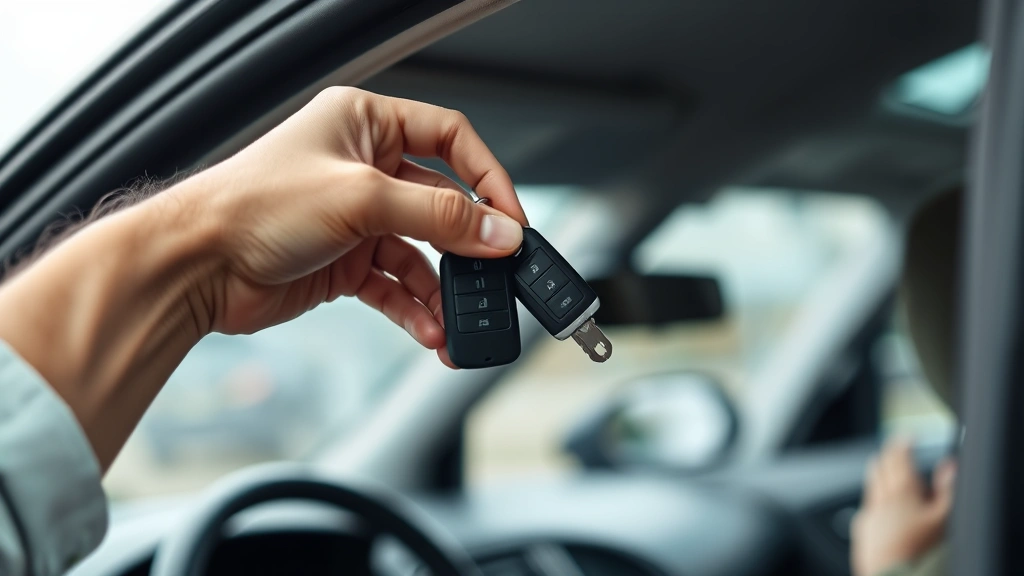
Program a Key Fob? Expert Tips Inside
How to Program a Key Fob: Expert Tips for DIY Success
Programming a key fob yourself can save you hundreds of dollars in dealership fees and puts you in control of your vehicle’s security. Whether you’ve lost your original remote, purchased a used car, or simply want a spare, learning how to program a key fob is a practical skill that most vehicle owners can master in just a few minutes. The process varies slightly depending on your vehicle’s make, model, and year, but the fundamental principles remain consistent across most cars manufactured in the last two decades.
Many people assume that key fob programming requires specialized equipment or a trip to the dealership, but the truth is that most vehicles have a built-in programming mode that you can access without any tools. This guide walks you through the complete process, offering detailed instructions for different vehicle types and troubleshooting tips for common issues. By the end, you’ll understand exactly how to get your new or replacement fob working properly.
Understanding Key Fob Technology
A key fob is a sophisticated piece of technology that communicates with your vehicle using radio frequency identification (RFID) signals. Inside the fob is a small circuit board containing a transmitter that sends coded signals to your car’s receiver module. Each fob has a unique code, which is why you need to program new remotes specifically to your vehicle—the car must learn to recognize that fob’s unique frequency.
Modern vehicles use rolling code technology, a security feature that changes the signal sent by your fob every time you press a button. This prevents thieves from recording and replaying your fob’s signal to unlock your car. When you program a new fob, you’re essentially telling your vehicle’s onboard computer to accept signals from that specific remote and to synchronize with its rolling code system.
Understanding this technology helps you appreciate why proper programming is essential. A fob that isn’t correctly programmed won’t communicate with your vehicle, even if it’s the exact same model. The good news is that manufacturers have designed the programming process to be accessible to average car owners, making it a genuine DIY project.
What You’ll Need Before Starting
The beauty of key fob programming is that you typically don’t need any special tools or expensive equipment. Here’s what you should gather before beginning:
- Your new or replacement key fob – Make sure it’s compatible with your vehicle’s year, make, and model
- Your original key fob (optional but helpful) – Having a working fob can assist in the programming process for some vehicles
- Your vehicle’s owner’s manual – This contains model-specific programming instructions
- Access to your vehicle – You’ll need to sit in the driver’s seat with access to the ignition
- The vehicle keys – You’ll need to turn the ignition on and off during programming
- A quiet location – Being able to hear your vehicle’s response (beeps or locks engaging) is helpful
Before you start, verify that your new fob is indeed compatible with your vehicle. Purchasing a fob designed for a different model will waste your time and money. Check the part number against your vehicle’s documentation or contact your vehicle manufacturer to confirm compatibility.
General Programming Steps for Most Vehicles
While specific procedures vary, most vehicles follow a similar basic sequence for programming key fobs. This method works for many Ford, Chevrolet, Dodge, Toyota, and Honda vehicles manufactured between 2000 and 2015. Always consult your owner’s manual to confirm whether your vehicle uses this procedure or a variation.
Step 1: Enter Programming Mode
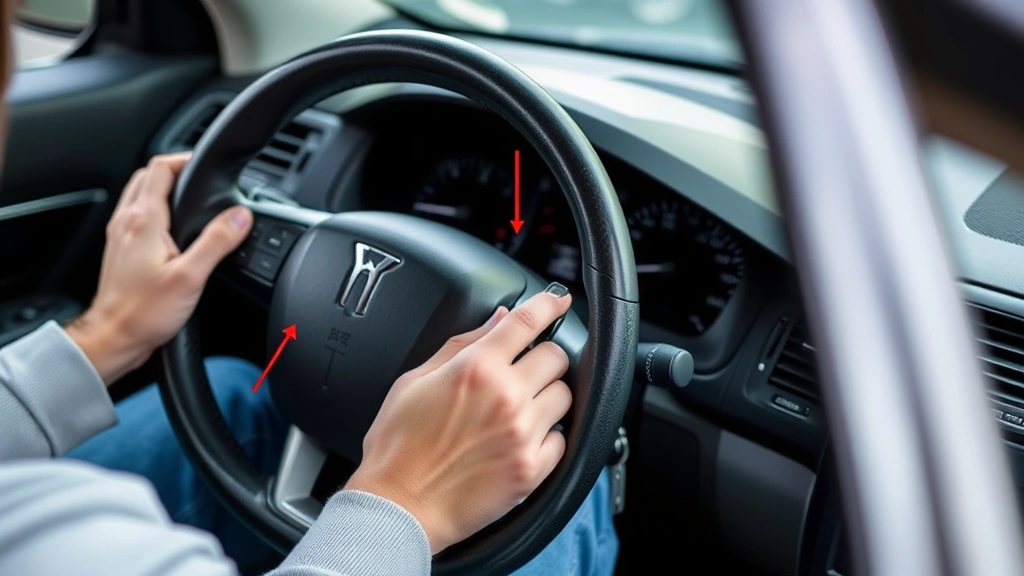
Start by sitting in the driver’s seat with all doors closed and the windows up. Insert your key into the ignition and turn it to the “On” position without starting the engine. Then turn it back to “Off.” Repeat this cycle rapidly—typically 3-4 times—until you hear a chime or see the lights flash. This action tells your vehicle’s computer that you’re about to program a new fob.
The timing is crucial for this step. You usually have about 30 seconds to complete the next step after entering programming mode, so have your new fob ready. Some vehicles will lock and unlock the doors automatically to confirm they’re in programming mode, while others simply chime.
Step 2: Program the New Fob
Once in programming mode, press any button on your new fob. You should hear a chime or see the lights flash again, confirming that the fob has been recognized. If you’re programming multiple fobs, press a button on each one within the 30-second window. Each fob will be programmed with the same sequence.
Some vehicles allow you to program up to four fobs in a single session. If you’re adding a second or third fob, simply press a button on the next fob after hearing the confirmation for the previous one.
Step 3: Exit Programming Mode
To exit programming mode, turn the ignition back to “On” and wait for the lights to flash or a final chime to sound. Then turn the ignition to “Off.” Your vehicle should automatically exit programming mode after a few seconds of inactivity as well.
Step 4: Test Your New Fob
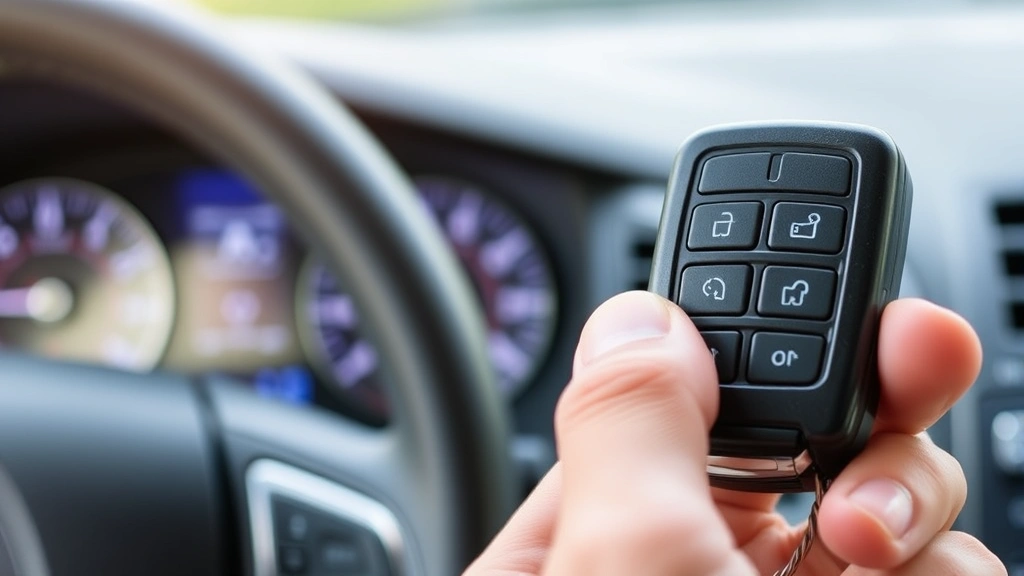
Stand a few feet away from your vehicle and press the lock button on your new fob. The doors should lock. Press unlock, and they should unlock. Test all buttons on the fob, including trunk release if equipped. If everything works, congratulations—you’ve successfully programmed your key fob!
If the fob doesn’t respond, don’t worry. Some vehicles require additional steps or have slightly different procedures. Check the next section for brand-specific instructions, or consult your owner’s manual for your exact vehicle model.
Brand-Specific Programming Instructions
Ford Vehicles
Ford’s programming method is straightforward and works on most models from 2000 onward. Start with all doors closed and insert your key into the ignition. Turn the key to “On,” then “Off,” then “On” again without starting the engine. You should see the lights flash. Press any button on your new fob, and you’ll hear a chime. Turn the ignition to “Off” to complete programming.
General Motors (Chevrolet, GMC, Cadillac)
GM vehicles typically use a slightly different approach. Turn the ignition to the “On” position and wait three seconds. Turn to “Off” and wait three seconds. Repeat this cycle five times, ending in the “Off” position. You should hear a chime or see the lights flash. Press any button on your new fob to program it. The vehicle will chime again when programming is complete.
Toyota and Lexus Vehicles
Toyota’s method involves holding down the lock button on your original fob while inserting the key into the ignition and turning it to “On.” Continue holding the lock button until the lights flash. Then press any button on your new fob. Toyota vehicles are somewhat less flexible with programming, so having your original fob is especially helpful for this brand.
Honda and Acura Vehicles
Honda requires you to sit in the driver’s seat with the door open. Turn the ignition to “On,” then “Off,” then back to “On” again. Close the door and turn the ignition to “Off.” Wait for the lights to flash, then press any button on your new fob. Some Honda models may require you to repeat this process for each fob you’re programming.
Chrysler, Dodge, and Jeep Vehicles
Chrysler vehicles have their own unique procedure. Turn the ignition to “On,” then “Off,” then back to “On” four times rapidly. Wait for the lights to cycle, then press any button on your new fob. Some Chrysler models may require you to turn the key to “Start” briefly during this process, so check your owner’s manual for your specific model year.
Nissan and Infiniti Vehicles
Nissan’s programming requires all doors to be closed and the ignition in the “Off” position. Turn the key to “On” for six seconds, then back to “Off.” Repeat this cycle three more times. On the fourth cycle, leave the ignition in the “On” position. Press any button on your new fob. The vehicle will chime when programming is successful.
Advanced Programming Techniques
Using a Spare Fob to Program New Ones
If you have a working spare fob, you can sometimes use it to program additional remotes. For some vehicles, you hold down the lock button on your working fob while inserting the ignition key, which puts the vehicle in a special programming mode. This method is particularly useful if your original fob is damaged or lost.
Programming When You’ve Lost All Fobs
Losing all your fobs simultaneously is challenging but not impossible to recover from. Many vehicles can still enter programming mode using only the ignition key, as described in the general and brand-specific sections above. However, some newer vehicles with advanced security systems may require a dealership visit if you don’t have at least one working fob to reference.
Adding Multiple Fobs in One Session
Most vehicles allow you to program several fobs during a single programming session. Once in programming mode, you typically have a 30-second window to press buttons on each fob you want to program. Program them in the order you’ll use them, and remember that all fobs programmed in the same session will have identical access—you can’t restrict certain fobs to certain functions this way.
Erasing Old Fobs When Selling Your Vehicle
If you’re selling your car, you should erase any fobs you’re taking with you so the new owner can program their own. Many vehicles have an erase function accessed through the same programming mode. Consult your owner’s manual for the specific steps, which usually involve holding down a button for an extended period while in programming mode.
Troubleshooting Common Problems
Fob Doesn’t Respond After Programming
If your newly programmed fob doesn’t work, first check the battery. A weak battery is the most common cause of fob failure. Replace it with a fresh battery (usually CR2032 or CR2025) and try again. If the battery isn’t the issue, try the programming process a second time, paying careful attention to the timing of each step.
Vehicle Won’t Enter Programming Mode
If your vehicle doesn’t respond to the standard programming sequence, you may have the wrong procedure for your specific model. Consult your owner’s manual or contact your vehicle’s manufacturer for the correct steps. Some newer vehicles with push-button starts have completely different programming procedures than traditional key-based systems.
Only Some Buttons Work on the New Fob
This usually indicates a problem with the fob itself rather than the programming. Try pressing each button multiple times to see if they all eventually respond. If certain buttons consistently don’t work, the fob may have internal damage and need replacement. Alternatively, check your vehicle’s owner’s manual to confirm that all buttons on your fob should be functional—some fobs have buttons that aren’t assigned to any vehicle functions.
Range Is Much Shorter Than Expected
A fob with reduced range may have a weak battery, but it could also indicate improper programming. Try erasing the fob and reprogramming it from scratch. If the range is still poor after reprogramming, replace the battery. If the problem persists, you may need a replacement fob, as the transmitter inside could be failing.
Getting Locked Out of Programming Mode
Some vehicles have a safety feature that locks you out of programming mode after too many failed attempts. If this happens, wait 10-15 minutes before trying again. This cooldown period allows the vehicle’s computer to reset. Never attempt to force programming mode by repeatedly turning the ignition on and off—this can trigger the lockout.
New Fob Works But Old One No Longer Does
This is actually normal behavior for some vehicles. When you program a new fob, the vehicle’s receiver module may automatically delete the old fob’s code to prevent unauthorized access. If you want to keep your old fob working, program both fobs during the same programming session before exiting programming mode.
FAQ
Can I program a key fob from a different vehicle manufacturer to my car?
No, key fobs are manufacturer-specific and use proprietary coding systems. A fob designed for a Toyota won’t work with a Ford, even if you program it. Always purchase a fob specifically designed for your vehicle’s make and model.
How much does it cost to replace a key fob?
Aftermarket fobs typically cost between $15-$50, while OEM (original equipment manufacturer) fobs from dealerships range from $150-$400. Programming is free if you do it yourself, but dealerships typically charge $50-$100 for the service. By learning to program your own fobs, you’ll save hundreds of dollars over your vehicle’s lifetime.
Do I need the original fob to program a new one?
For most vehicles, you don’t need the original fob—just your ignition key. However, some vehicles (particularly Toyota and Lexus) make the process easier if you have a working original fob. If you’ve lost all fobs, you can still program a new one using just the ignition key, though you may need to consult your owner’s manual for the specific procedure.
Will programming a new fob erase my old one?
It depends on your vehicle. Some cars automatically delete the old fob’s code when you program a new one, while others allow multiple fobs to work simultaneously. If you want to keep both fobs active, program them both during the same programming session. Check your owner’s manual for your vehicle’s specific behavior.
Can I program a key fob without the car running?
Yes, most vehicles enter programming mode with the ignition in the “On” position without starting the engine. In fact, you should never start the engine during programming—it will exit programming mode automatically. Keep the engine off throughout the entire process.
What should I do if programming still doesn’t work after trying multiple times?
If you’ve tried the correct procedure multiple times and your vehicle still won’t program the fob, consider these options: verify you have the correct fob model for your vehicle, check that the fob battery is fresh, consult your owner’s manual for any special instructions for your model year, or contact your vehicle’s dealership for professional programming. Some newer vehicles with advanced security systems may require dealership equipment to program new fobs.
Is it possible to program a used fob from a different car to my vehicle?
Used fobs from different vehicles cannot be programmed to your car—the internal circuitry is specific to each manufacturer’s system. However, you can purchase a used fob that matches your vehicle’s make and model and program it following the same steps as a new fob. Always verify that a used fob is compatible with your exact vehicle before purchasing.
How many fobs can I program to one vehicle?
Most vehicles can accommodate 4-8 programmed fobs, though the exact number varies by manufacturer. If you try to program more fobs than your vehicle supports, it will typically erase the oldest fob to make room for the new one. Check your owner’s manual for your vehicle’s specific limit.
Learning how to program a key fob yourself is one of the most practical automotive skills you can develop. The process is straightforward, requires no special tools, and saves you significant money compared to dealership programming fees. Whether you’re dealing with a lost fob, a worn-out remote, or simply want a spare, the steps outlined in this guide will help you successfully program your key fob. If you’re interested in other DIY automotive projects, explore our FixWiseHub blog for comprehensive how-to guides on everything from basic maintenance to more complex repairs.
For additional resources on automotive maintenance and security systems, check out This Old House’s automotive section for expert advice. You can also reference Family Handyman’s vehicle maintenance guides for complementary information on car care. If you need replacement fobs or automotive supplies, AutoZone and other automotive retailers offer a wide selection of compatible key fobs and batteries. For detailed specifications on your specific vehicle, consult your manufacturer’s documentation or contact the National Highway Traffic Safety Administration for official vehicle information.
If you’re tackling other home and automotive projects, you might also find our guide on how to install a garbage disposal helpful for kitchen upgrades, or learn about how to fix a toilet that keeps running for common bathroom repairs. With these practical DIY skills in your toolkit, you’ll be equipped to handle many household and automotive maintenance tasks independently.

Related Posts

Superscript in Google Docs: Expert Tips

Strikethrough in Excel: Easy Steps for Beginners
