
Program a Key Fob? Expert Tips & Guide
How to Program a Key Fob: Expert Tips & Complete Guide
Programming a key fob might seem intimidating, but it’s one of the most practical DIY skills you can master. Whether you’ve lost your remote, purchased a replacement, or inherited a vehicle with missing fobs, learning how to program a key fob can save you hundreds of dollars in dealership fees. Most modern vehicles allow owners to reprogram remotes independently using simple sequences of button presses and ignition cycles—no special tools required.
This comprehensive guide walks you through everything from identifying your vehicle’s programming method to troubleshooting common issues. You’ll discover that the process varies by manufacturer, but the fundamental principles remain consistent across most cars, trucks, and SUVs produced in the last two decades. By following these step-by-step instructions, you’ll regain full control of your vehicle’s access systems.
Understanding Key Fob Basics
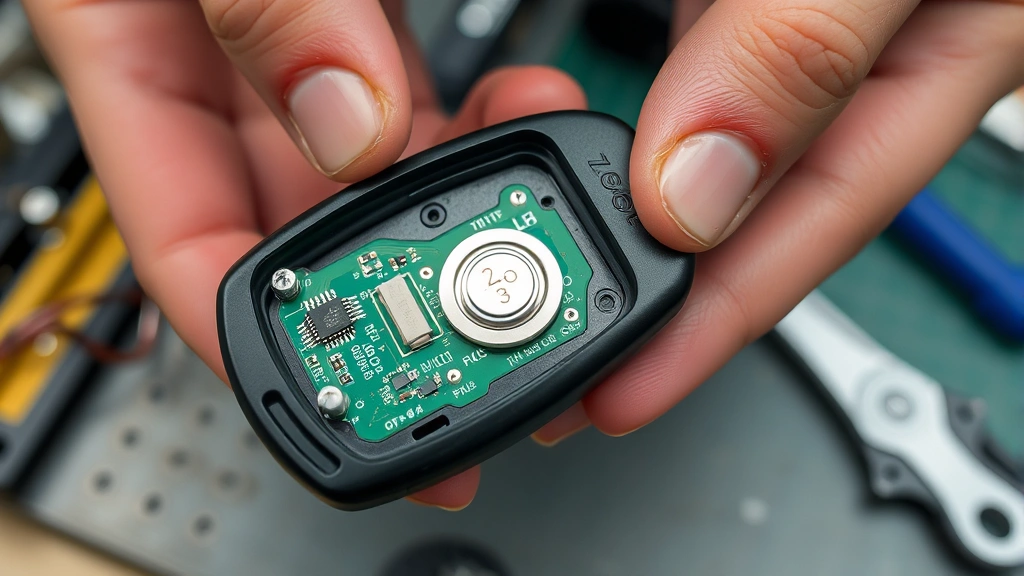
A key fob is a wireless remote control device that communicates with your vehicle’s receiver module using radio frequency signals. Inside the plastic housing, you’ll find a circuit board, a small battery (usually CR2032 or similar coin-cell), and a transmitter chip. When you press a button, it sends an encoded signal that your car’s receiver recognizes, triggering the lock/unlock mechanism or other functions.
Modern key fobs operate on specific frequency bands—typically 315 MHz or 433 MHz—and use rolling code technology to prevent unauthorized access. This security feature means each signal is unique, making it nearly impossible for someone to intercept and reuse an old code. Understanding this technology helps you appreciate why programming must be done correctly and why some vehicles require specific sequences.
Before attempting any programming, verify that your fob’s battery isn’t the issue. A weak or dead battery is the most common reason remotes stop working. Replace the battery first and test the fob at different distances from your vehicle. If the fob still doesn’t work after a fresh battery, then programming is likely necessary. You might also want to explore our how-to guides and tutorials for additional automotive maintenance tips.
Determining Your Programming Method
Not all vehicles use the same programming procedure, so your first step is identifying which method applies to your specific make and model. The three primary programming approaches are the OBD-II (On-Board Diagnostic) method, the door lock cycle method, and the ignition key cycle method. Your vehicle’s year, make, and model determine which technique will work.
Start by consulting your owner’s manual—this is invaluable and often contains the exact programming sequence for your vehicle. If you don’t have the manual, search online using your VIN (Vehicle Identification Number) to find a digital copy. Many manufacturers’ websites offer free downloadable manuals. Alternatively, dedicated automotive forums and YouTube channels frequently feature programming tutorials specific to your vehicle model.
You can also call your vehicle’s dealership and ask which programming method they use. While they may try to sell you their programming service, they’ll typically confirm the method over the phone. This information is usually free, even if the service isn’t. Write down the specific steps so you have them readily available during the programming process.
General Programming Procedure
Most vehicles follow a similar general framework, though specific timing and button sequences vary. The typical process involves entering a special mode where your vehicle listens for new fob signals, then transmitting from the fob to register it in the system’s memory.
Essential Tools and Materials
- Your vehicle key (both fobs and key must be present)
- New or existing key fob to program
- Fresh batteries for the fob (CR2032 or manufacturer-specified type)
- Owner’s manual or printed programming instructions
- Notepad to track programming steps
- Patience—rushing causes mistakes
Step-by-Step Process
- Gather all fobs: Locate all existing key fobs for your vehicle. The programming process typically erases all previously programmed fobs, so you’ll need to reprogram them simultaneously.
- Enter programming mode: This varies by vehicle but often involves turning the ignition on and off repeatedly (without starting the engine) or pressing specific buttons in sequence. Follow your vehicle’s exact procedure.
- Listen for confirmation: Many vehicles emit a beep or flash the lights when programming mode is active. This auditory or visual feedback confirms you’ve entered the correct mode.
- Transmit from fob: Press any button on the fob you’re programming. The vehicle responds with another beep or light flash, indicating it recognized the signal.
- Repeat for additional fobs: If programming multiple fobs, transmit from each one in sequence. The vehicle stores all signals during this session.
- Exit programming mode: Turn off the ignition or press a specific button to exit programming mode. The lights may flash or beep again to confirm.
- Test functionality: Step away from your vehicle and test all buttons on all fobs to ensure proper programming.
Manufacturer-Specific Instructions
Ford and Lincoln Vehicles
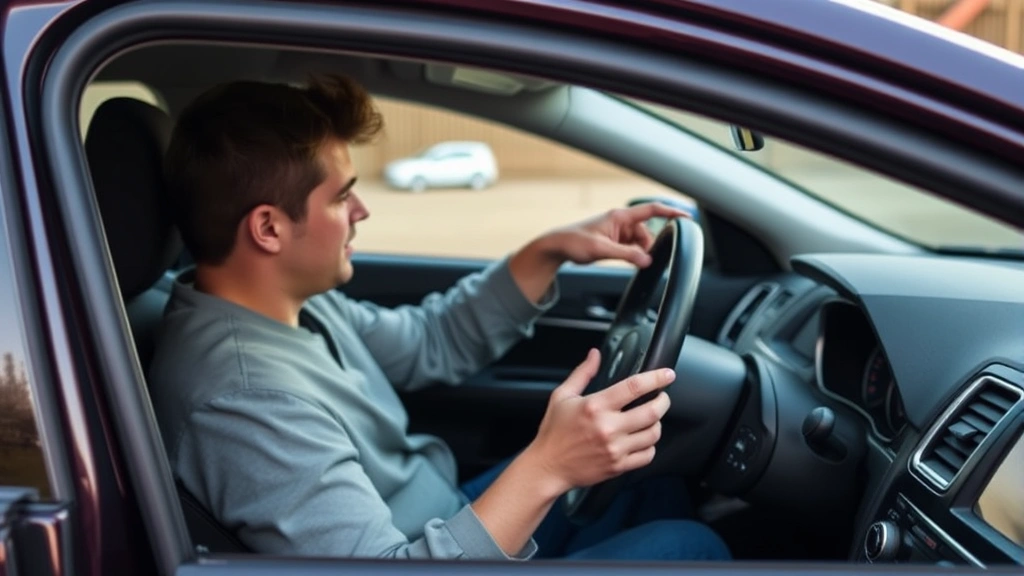
Ford uses the door lock cycle method for most models. Sit in the driver’s seat with all doors closed, then cycle the door lock switch from lock to unlock five times rapidly. On the fifth cycle, turn the ignition to the On position while holding the unlock button. Listen for a clicking sound, then press any button on your fob. The vehicle should respond with a chirp or light flash. Repeat this process for each additional fob.
General Motors (Chevrolet, GMC, Cadillac)
GM vehicles typically use the ignition key cycle method. Turn the ignition to the On position (without starting the engine), then back to Off. Repeat this cycle at least six times, with the final position being On. Listen for a chime or watch for light flashing. Press any button on your fob, and the vehicle should respond. This method works on most GM vehicles from 1990 onward, making it one of the most accessible programming options for older cars.
Toyota and Lexus Vehicles
Toyota requires slightly different timing. Insert your key into the ignition and turn it to On, then back to Off, repeating this cycle four times. On the fifth turn, leave it in the On position. The dashboard lights should flash. Press any button on your fob, and you should hear a chime. Complete the programming by turning the ignition Off.
Honda and Acura Vehicles
Honda vehicles use the door lock button method. Turn the ignition to On, then Off, then On again without starting the engine. Press the lock button on your door panel repeatedly until you hear a chime. This indicates programming mode. Press any button on your fob, and the vehicle should respond with a chime. Program all fobs during this single session.
Chrysler, Dodge, and Jeep Vehicles
Chrysler uses the ignition cycle method similar to GM but with different timing. Turn the ignition to On, then Off, repeating this cycle three times and ending in the On position. The dashboard lights will flash. Press any button on your fob within five seconds. The lights should flash again, confirming successful programming. Repeat for additional fobs.
Troubleshooting Common Problems
Even with careful attention to instructions, programming sometimes fails. Understanding common issues helps you diagnose and resolve problems efficiently.
Fob Not Responding After Programming
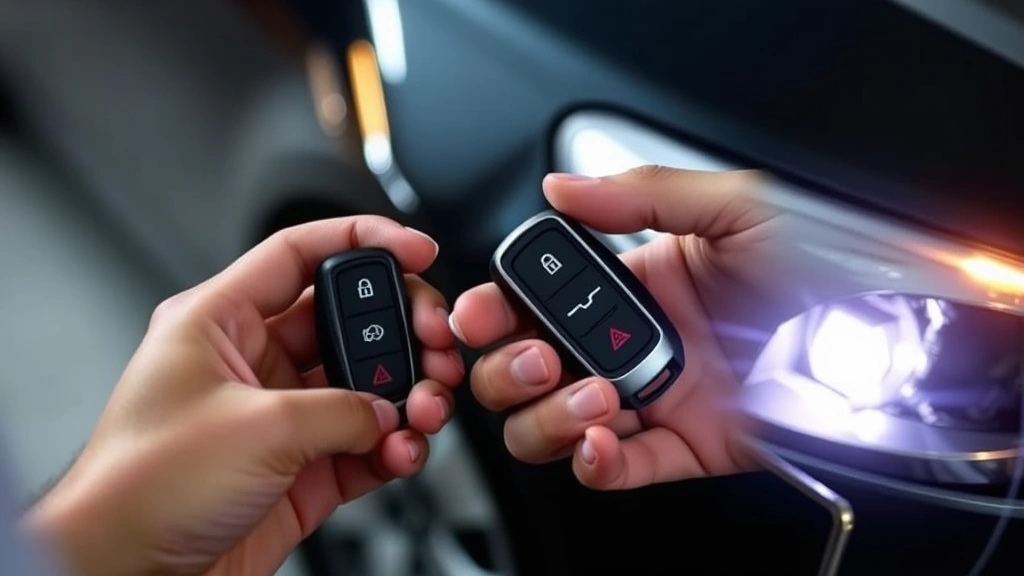
If your newly programmed fob doesn’t work, first verify the battery is fresh and installed correctly. The positive side of the battery should face upward in most fobs. Clean the battery contacts with a pencil eraser to remove any oxidation. If the battery is fine, the programming likely didn’t register. Repeat the programming sequence, paying careful attention to timing. Rushing through steps is the most common cause of failed programming.
All Fobs Stopped Working
If previously working fobs suddenly stop functioning, check their batteries first. Replace all batteries with fresh ones. If that doesn’t resolve the issue, your vehicle’s receiver module may have malfunctioned, or an electrical problem may be preventing communication. This situation typically requires professional diagnosis, as troubleshooting electrical systems involves specialized equipment.
Intermittent Fob Function
A fob that works sometimes but not consistently usually has a weak battery or dirty contacts. Replace the battery and clean the circuit board with isopropyl alcohol on a cotton swab. Allow it to dry completely before reassembling. If problems persist, the transmitter chip may be failing, requiring fob replacement.
Programming Mode Won’t Engage
If your vehicle won’t enter programming mode despite following instructions correctly, verify you’re using the exact procedure for your specific year and model. Even minor variations between model years can change the programming sequence. Consult your owner’s manual or contact a dealership for confirmation. Some vehicles have additional security features that prevent programming unless specific conditions are met.
Lights or Chimes Don’t Appear During Programming
The absence of feedback doesn’t necessarily mean programming failed. Some vehicles provide minimal feedback. Complete the entire sequence and test the fob. If it works, the lack of feedback is normal for your vehicle. If it doesn’t work, try the sequence again, ensuring precise timing and button press duration.
When to Seek Professional Help
While most key fob programming is straightforward, certain situations warrant professional assistance. If your vehicle is newer than 2015 and has advanced security features, dealership programming may be necessary. Some luxury brands and high-security systems cannot be programmed through standard methods and require specialized equipment that only dealerships possess.
Additionally, if you’ve attempted programming multiple times without success, professional diagnosis is worthwhile. A technician can determine whether the issue is the fob, the receiver module, or another vehicle system. They have access to diagnostic tools that reveal what’s preventing successful programming.
If your vehicle has been in an accident or had electrical work done, the receiver module may have been affected. Professional inspection ensures no underlying damage is preventing programming. Similarly, if you’ve purchased an aftermarket fob rather than an OEM (Original Equipment Manufacturer) unit, compatibility issues may require professional diagnosis.
For vehicles with keyless entry systems that also control trunk release, alarm systems, or other features, professional programming ensures all functions work correctly. DIY programming might activate the basic lock/unlock function while missing other integrated features.
FAQ
How much does professional key fob programming cost?
Dealership programming typically costs between $100 and $300 per fob, though some dealers charge a single fee for programming multiple fobs simultaneously. Independent locksmiths often charge less, typically $50 to $150 per fob. The cost varies by location, vehicle brand, and fob complexity.
Can I program a fob for a different vehicle?
No, fobs are programmed to specific vehicles and cannot be reprogrammed for different makes or models. The encoding and frequency are matched to individual vehicle receiver modules. However, you can program multiple fobs to the same vehicle during a single programming session.
What if I lost all my fobs?
If you’ve lost every fob for your vehicle, you cannot program new ones using the standard DIY method. You’ll need to visit a dealership with proof of ownership. They can create new fobs and program them using their equipment, which bypasses the standard programming sequence.
How long does key fob programming take?
The actual programming process typically takes 5 to 15 minutes once you’re in the vehicle. However, if you’re researching instructions or troubleshooting issues, plan for 30 to 60 minutes total. Professional programming at a dealership may take longer due to check-in procedures.
Do I need to start the engine during programming?
No, you should never start the engine during fob programming. Most procedures require turning the ignition to specific positions without actually starting the vehicle. Starting the engine typically exits programming mode and prevents successful registration.
Can weather affect fob programming?
Extreme weather shouldn’t prevent programming, but very cold temperatures may slightly affect battery performance. If programming fails in cold weather, wait for warmer conditions and try again. This rarely causes issues, but it’s worth considering if you’re troubleshooting.
Will programming erase my vehicle’s other settings?
No, programming fobs only affects the remote control system. It won’t impact your radio stations, climate control preferences, seat adjustments, or other vehicle settings. The programming only communicates with the receiver module dedicated to remote access.
What’s the difference between OEM and aftermarket fobs?
OEM (Original Equipment Manufacturer) fobs are made by your vehicle’s manufacturer and always work with standard programming procedures. Aftermarket fobs are third-party alternatives that are usually less expensive but may have compatibility issues with some vehicles. When possible, choose OEM fobs to ensure hassle-free programming and full feature compatibility.
Can I program a fob without the original key?
Most programming methods require at least one working fob or the original key to initiate programming mode. If you have neither, professional programming is necessary. Dealerships can verify ownership and create new fobs with their specialized equipment.
How often should I replace key fob batteries?
Most key fob batteries last 3 to 4 years with normal use. If you use your fob frequently, batteries may last only 2 to 3 years. Replace the battery as soon as you notice reduced range or intermittent function. Keeping a spare battery on hand prevents being locked out if your fob fails unexpectedly.

Related Posts

Superscript in Google Docs: Expert Tips

Strikethrough in Excel: Easy Steps for Beginners
