
Remove Activation Lock: Expert Tips & Tricks
Remove Activation Lock: Expert Tips & Tricks
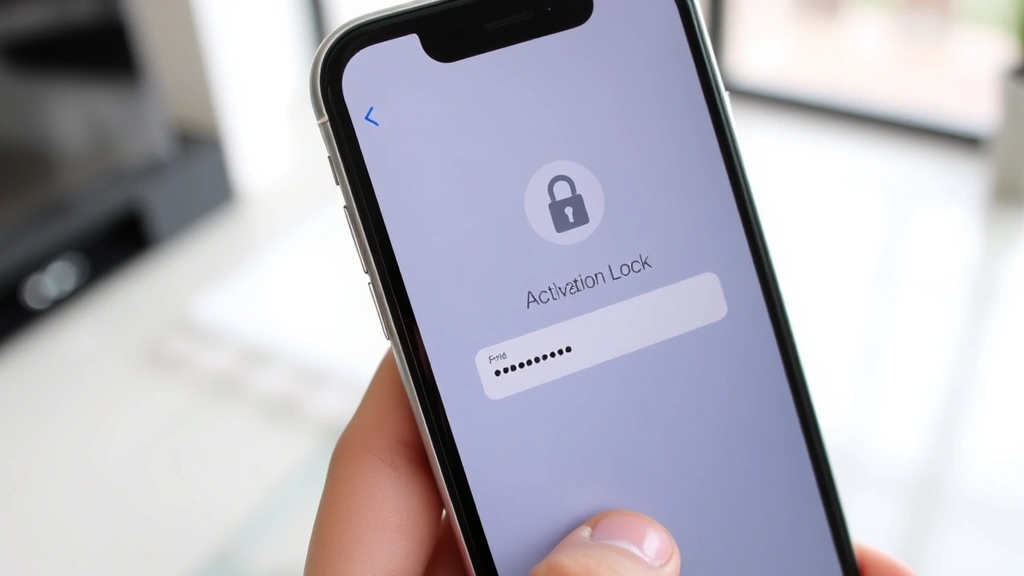
Activation Lock is a security feature designed to protect your device from unauthorized access and theft. However, when you purchase a used Apple device or inherit one from a previous owner, this lock can become a significant barrier to using your new hardware. Whether you’ve bought a secondhand iPhone, iPad, or Mac, understanding how to navigate Activation Lock is essential for getting full access to your device.
This comprehensive guide walks you through legitimate methods to remove Activation Lock without the previous owner’s credentials. We’ll explore step-by-step solutions, preventative measures, and expert tips to help you regain control of your device quickly and legally. Unlike many online resources that promote questionable workarounds, this guide focuses on approved Apple procedures and best practices that protect both your device and your privacy.

What Is Activation Lock and Why Does It Matter
Activation Lock is Apple’s built-in security feature that ties your device to your Apple ID account. When you set up an iPhone, iPad, or Mac, Activation Lock automatically engages, requiring your Apple ID credentials to disable it. This feature prevents someone from erasing your device and using it as their own without your permission.
The lock serves multiple critical functions. It deters thieves from stealing your device because they cannot use it without knowing your Apple ID and password. It protects your personal data by ensuring that only you can access your device settings. For businesses and educational institutions, Activation Lock provides essential device management capabilities. However, when you purchase a used device legitimately, this same protection can lock you out of your own hardware.
Understanding the legitimate reasons to remove Activation Lock helps you approach the process correctly. Common scenarios include inheriting a device from a family member who has passed away, purchasing a refurbished device from a retailer, buying used equipment from a private seller, or receiving a device as a corporate gift when the original owner is unavailable.
Contact the Previous Owner: Your First Step
Before exploring any technical solutions, attempt to contact the previous owner directly. This straightforward approach resolves most Activation Lock situations quickly and legally. The previous owner simply needs to sign into their Apple ID on the device or use Apple’s Find My feature to remove the lock remotely.
If you purchased the device from a private seller, check your receipt or transaction records for contact information. Many private sales include phone numbers or email addresses. If the sale occurred through an online marketplace, use that platform’s messaging system to contact the seller. Be polite and professional in your request—most previous owners are willing to help once they understand you’ve legitimately purchased their device.
For devices purchased from retail locations or refurbished sellers, contact the store directly. They often have records of the original purchaser and can facilitate communication or handle the Activation Lock removal themselves. This is why checking our FixWiseHub Blog for detailed how-to guides on device setup can help you understand the full process.
Document your attempts to contact the previous owner. Keep emails, text messages, or other correspondence. This documentation becomes valuable if you need to escalate the situation to Apple Support later. Many owners respond within 24-48 hours when they receive a clear, courteous message explaining that their old device is locked.
Use Apple’s Official Removal Process
Apple provides an official process for removing Activation Lock when you have proper documentation. This method is the most reliable and legitimate approach available. Start by visiting Apple’s official support website and navigating to the Activation Lock removal section.
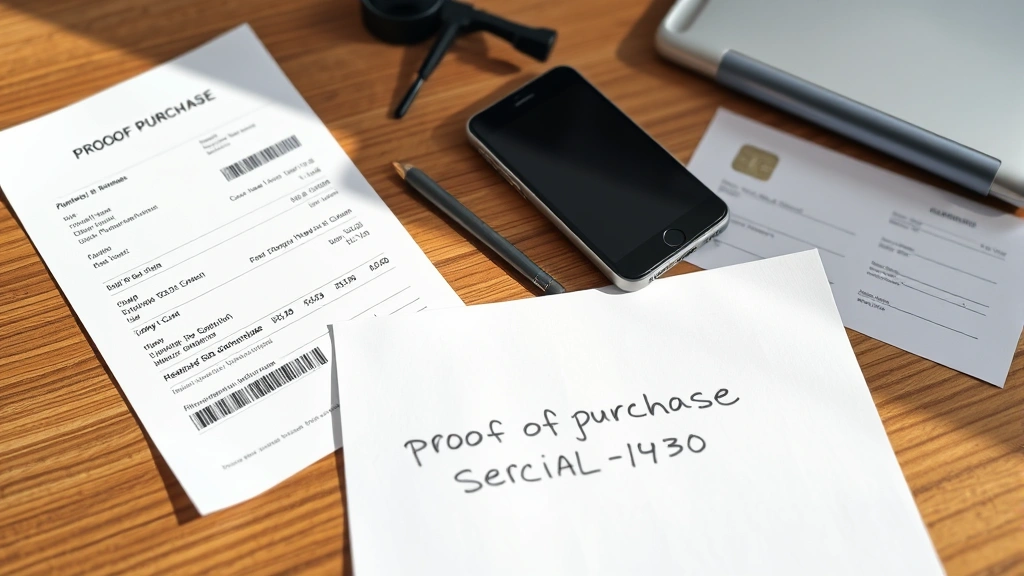
The process requires you to provide proof of ownership. This can include your receipt from the retailer, credit card statement showing the purchase, or documentation from an estate if you inherited the device. Apple’s support team reviews your documentation and, if verified as legitimate, can remove the Activation Lock from the device.
Visit Apple’s support portal and select “Activation Lock” from the menu options. You’ll be prompted to enter the device’s serial number, which you can find in Settings > General > About on the locked device. Provide detailed information about your purchase, including the date, location, and retailer if applicable.
Apple Support representatives may request additional verification. Be prepared to answer security questions about your identity and provide multiple forms of proof if necessary. This thorough verification process exists to prevent unauthorized access, so patience is essential. Most cases resolve within 3-5 business days.
Verify Your Proof of Purchase
Strong proof of purchase significantly increases your chances of successful Activation Lock removal. Different types of documentation carry different weights with Apple Support. Understanding what qualifies as valid proof helps you prepare your case effectively.
Original retail receipts represent the strongest form of proof. These documents show the purchase date, location, price, and often the device’s serial number. If you purchased from a major retailer like Best Buy, Target, or Walmart, request a copy of your receipt if you no longer have the original. Most retailers maintain purchase records for 90 days to several years depending on their policies.
Credit card statements provide secondary verification. Your bank or credit card company can issue a statement showing the purchase date and amount. While this doesn’t prove you purchased that specific device, it corroborates your timeline and demonstrates financial legitimacy.
Estate documentation becomes necessary when you inherited the device. Include the previous owner’s death certificate, probate documents, or a will naming you as heir. This documentation proves your legal right to the device.
Gift receipts or letters from the original purchaser help when someone gifted you the device. A simple letter from the original owner stating they gave you the device and authorizing its use can support your request.
Refurbished device documentation from authorized retailers includes certificates of authenticity and warranty cards. These documents prove the device came through legitimate channels.
Organize all your documentation before contacting Apple. Create a clear, chronological narrative explaining how you acquired the device and why you need Activation Lock removed. Digital scans or high-quality photos work for most documents.
Perform a Factory Reset Properly
A factory reset can sometimes help remove Activation Lock, but only under specific circumstances and when performed correctly. This method works best if you can access the device before Activation Lock fully engages, or if the previous owner helped initiate the process.
To perform a factory reset on an iOS device, connect it to a computer running the latest version of iTunes or Finder. On a Mac, open Finder and select the device. On Windows, open iTunes. Select the device and choose “Restore.” This erases all data and reinstalls the operating system.
Important: A factory reset alone does not remove Activation Lock if the previous owner’s Apple ID remains associated with the device. You’ll still see the Activation Lock screen when the device restarts. The reset primarily clears personal data but maintains the security lock.
For Mac devices, restart the computer and immediately press Command + R to enter Recovery Mode. Select “Reinstall macOS” and follow the prompts. Again, this clears data but doesn’t remove Activation Lock automatically.
The factory reset approach works best as part of a larger strategy. Perform the reset, then contact the previous owner to remove their Apple ID, or work with Apple Support using your proof of purchase. Never attempt to bypass Activation Lock through third-party services or suspicious websites claiming to unlock your device—these often contain malware or scams.
Work with Apple Support Directly
Apple Support offers the most direct path to resolving Activation Lock issues when you own the device legally. Multiple contact methods allow you to work with Apple representatives suited to your situation. Similar to how you’d remove a section break in Word through official channels, Apple provides official support for device security issues.
Phone support: Call Apple Support at 1-800-MY-APPLE. Have your device’s serial number ready, along with all documentation proving your purchase. Representatives can often resolve issues within a single call if you have sufficient proof of ownership.
Online chat support: Visit Apple’s support website and initiate a chat with a representative. This method works well if you prefer written documentation of your interaction. Chats typically take 15-30 minutes to resolve Activation Lock inquiries.
Apple Store appointment: Visit your nearest Apple Store and explain your situation to a Genius Bar representative. Bring all proof of purchase documentation. In-person verification sometimes speeds up the process, and Apple Store staff have additional tools to verify ownership.
Mail-in support: If you cannot visit a store or prefer remote support, Apple can arrange mail-in service. You’ll ship the device to Apple, they verify ownership and remove the lock, then return your device. This process takes 7-10 business days but works reliably.
When contacting Apple Support, be clear and organized. Explain exactly how you acquired the device, when you purchased it, and why you need Activation Lock removed. Provide your documentation upfront rather than waiting to be asked. This proactive approach demonstrates legitimacy and speeds up resolution.
Prevention Tips for Future Device Purchases
Understanding how to avoid Activation Lock problems in future purchases protects your investment and saves time. These preventative strategies apply whether you’re buying from private sellers, retailers, or refurbished channels.
Verify Activation Lock status before purchase: Ask the seller to check if the device has Activation Lock enabled. On iOS devices, go to Settings > [Your Name] > iCloud > Find My > Find My iPhone. The previous owner should confirm this is disabled or their Apple ID will be removed after purchase.
Request removal before completing the sale: Make the final payment contingent on Activation Lock removal. Ask the previous owner to sign out of their Apple ID while you’re present or immediately after purchase. This ensures you receive a clean device.
Get written confirmation: Request a receipt or written statement confirming the device is Activation Lock-free and the previous owner has removed their Apple ID. This documentation protects you if issues arise later.
Use authorized refurbished channels: Purchase refurbished devices from Apple directly or authorized retailers. These devices come with Activation Lock already removed and include warranties. While slightly more expensive than private sales, the security and peace of mind justify the cost.
Check serial numbers: Before purchasing, verify the device’s serial number matches what the seller claims. This prevents receiving a stolen or blacklisted device. You can check a device’s status on Apple’s official website.
Understand the return period: Purchase from sellers offering return windows. If Activation Lock issues arise after purchase, you can return the device for a refund. Most retailers offer 14-30 day return periods.
Ask about original packaging: Devices in original packaging with all documentation are less likely to have Activation Lock complications. Original packaging often includes proof of authenticity and purchase information.
FAQ
Can I remove Activation Lock without proof of purchase?
Removing Activation Lock without proof of purchase is extremely difficult. Apple’s security protocols require verification of ownership to prevent unauthorized device access. Without documentation, your only realistic option is contacting the previous owner. Avoid third-party services claiming to remove locks without proof—these are typically scams.
How long does Apple Support take to remove Activation Lock?
The timeframe depends on your contact method. Phone or in-store support typically resolves issues within 24 hours if you have proper documentation. Online chat support takes 1-3 business days. Mail-in service requires 7-10 business days. More complex cases involving disputed ownership may take 2-3 weeks.
What if the previous owner is deceased?
Estate documentation allows you to remove Activation Lock after a previous owner’s death. Provide a death certificate, will, or probate documents proving your legal right to the device. Apple’s support team handles these sensitive situations professionally and compassionately. This process typically takes longer due to the additional verification required.
Can I remove Activation Lock on a Mac the same way as an iPhone?
The process is similar but has some differences. Mac Activation Lock involves your Apple ID and can be removed through Apple Support using the same proof-of-purchase methods. However, Mac recovery options differ slightly. Contact Apple Support for Mac-specific guidance, as the process varies depending on your Mac’s age and operating system.
Is there a legitimate way to bypass Activation Lock quickly?
The fastest legitimate method is contacting the previous owner directly. If they’re responsive, they can remove the lock within minutes. Your second-fastest option is visiting an Apple Store with proof of purchase—Genius Bar representatives can often resolve issues same-day. Avoid any service claiming to bypass Activation Lock instantly, as these are scams.
What happens if I buy a device with Activation Lock and can’t contact the seller?
Document all your attempts to contact the seller, including dates and methods. Then contact Apple Support with your proof of purchase. Explain the situation clearly. Apple will investigate and, if you provide sufficient documentation of legitimate ownership, will remove the lock. This process takes longer but succeeds in most cases.
Can I use someone else’s Apple ID to remove Activation Lock on a device I own?
No. Using another person’s Apple ID to access a device you own creates legal and security issues. The device remains tied to their account, and they maintain access to your data. Always work through official channels to remove Activation Lock using your own documentation of ownership.
Are there any legitimate third-party services that remove Activation Lock?
No legitimate third-party service can remove Apple Activation Lock. Only Apple through official support channels can do this. Any service claiming otherwise is fraudulent. Protect yourself by using only Apple’s official support and authorized retailers.

Related Posts

Superscript in Google Docs: Expert Tips

Strikethrough in Excel: Easy Steps for Beginners
