
Turn Off Fire Alarm? Expert Tips Here
How to Turn Off Fire Alarm: Expert Tips and Safety Guide
Fire alarms are essential safety devices that protect your home and family from the dangers of fire. However, there are legitimate situations when you need to turn off a fire alarm—whether it’s a false alarm from cooking, a malfunctioning unit, or routine maintenance. Understanding how to safely disable your fire alarm is crucial knowledge for any homeowner, but it’s equally important to know when and why you should do so responsibly.
This comprehensive guide walks you through the proper methods for turning off different types of fire alarms, the reasons you might need to do so, and critical safety considerations. We’ll cover hardwired alarms, battery-operated detectors, and smart fire alarm systems, ensuring you have the expertise to handle any situation that arises in your home.
Understanding Your Fire Alarm System
Before you attempt to turn off a fire alarm, it’s essential to understand what type of system you have installed in your home. Fire alarms come in three primary categories: battery-operated standalone detectors, hardwired systems connected to your electrical panel, and modern smart fire alarms integrated with your home automation network. Each type requires a different approach for safe disabling.
Most residential homes use a combination of battery-operated and hardwired smoke detectors. Battery-operated units are typically found in bedrooms and hallways, while hardwired alarms are often installed throughout the home as part of a comprehensive safety system. Understanding which type you’re dealing with will determine the safest and most effective method for turning it off.
The reason your fire alarm activated matters significantly. If it’s responding to actual smoke or heat, you should never disable it permanently. However, if it’s a false alarm from cooking smoke, dust, or a malfunctioning sensor, then you can safely turn it off. Always investigate the cause before proceeding with any alarm shutdown procedure. Check our guide on home maintenance basics for more information about household safety systems.
How to Turn Off Battery-Operated Fire Alarms
Battery-operated fire alarms are the most common type found in residential homes and are the easiest to turn off quickly. These standalone units contain their own power source and can be disabled without affecting your home’s electrical system.
Step-by-Step Process:
- Locate the alarm unit — Identify which battery-operated alarm is sounding. Look for the unit with the flashing red light or the one producing the loud chirping noise.
- Grab a sturdy chair or ladder — Most fire alarms are mounted on ceilings or high on walls. Ensure you have safe access to the unit before attempting to disable it.
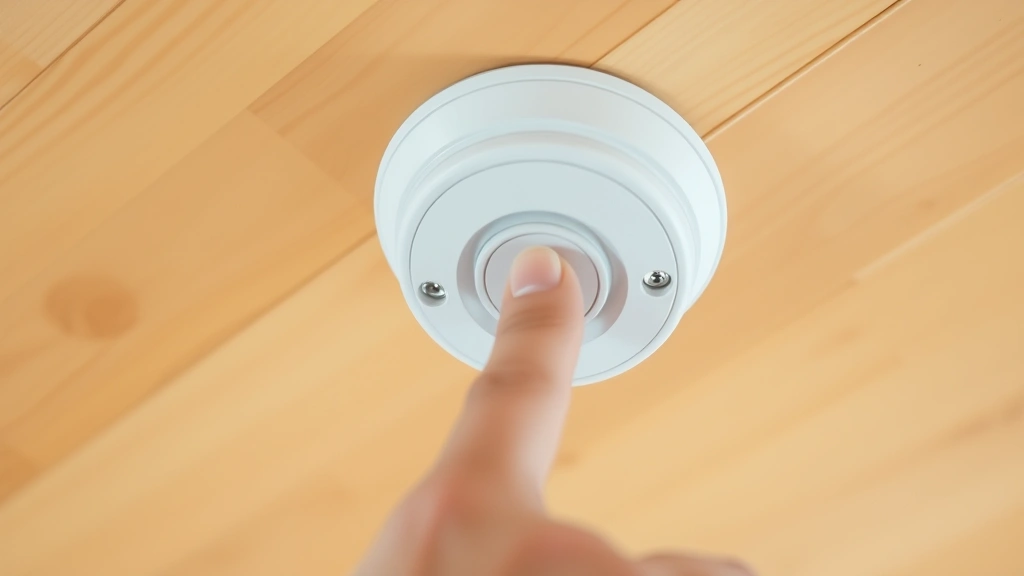
- Press and hold the silence button — Most battery-operated alarms have a large button on the face of the unit. Press and hold this button for 15-30 seconds. This will silence the alarm for approximately 10-15 minutes, giving you time to address the issue.
- Remove the battery — If you need to completely disable the alarm, gently twist the unit counterclockwise to remove it from its mounting bracket. Open the battery compartment and remove the 9-volt battery.
- Reinstall the battery when ready — Once you’ve resolved the issue causing the alarm, reinsert the battery and twist the unit clockwise to secure it back into place.
The silence button is your first line of defense for false alarms. This temporary silencing feature prevents the alarm from continuously sounding while you investigate the cause. If the alarm continues to sound after pressing the silence button, it indicates a serious issue that requires immediate attention.
Never remove the battery from a fire alarm permanently. Fire alarms save lives, and keeping them operational is a legal requirement in most jurisdictions. If your alarm is malfunctioning, replace it with a new unit rather than leaving it disabled.
Disabling Hardwired Fire Alarms Safely
Hardwired fire alarms are connected directly to your home’s electrical system and often include a backup battery. These systems are more complex to disable and require additional safety precautions. Improper handling of hardwired alarms can result in electrical shock or damage to your home’s wiring.
Safety First Approach:
Before attempting to disable a hardwired fire alarm, locate your home’s electrical panel. You’ll need to know how to access the circuit breaker that controls your smoke detection system. If you’re unfamiliar with your electrical panel, consult a licensed electrician rather than attempting this yourself.
Method One: Using the Silence Button
Most hardwired alarms also include a silence button similar to battery-operated units. Press and hold this button for 15-30 seconds to silence the alarm temporarily. This method doesn’t require touching any wiring and is the safest first step.
Method Two: Turning Off the Circuit Breaker
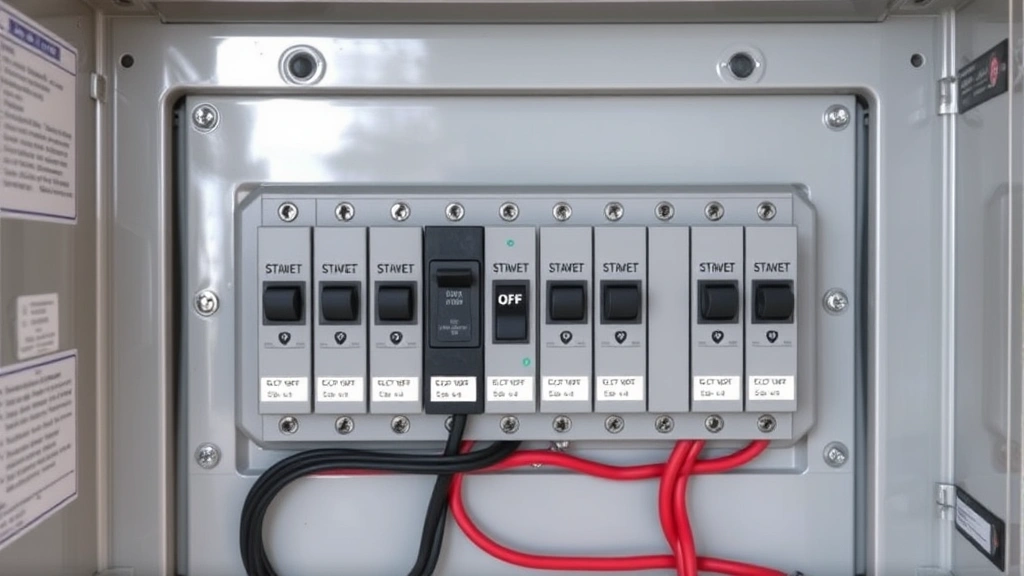
- Locate your electrical panel — This is typically found in a basement, garage, or utility closet. Open the panel door carefully.
- Identify the smoke detector circuit — Look for a breaker labeled ‘smoke detector,’ ‘alarm,’ or ‘fire alarm.’ It’s usually a 15-amp or 20-amp breaker.
- Switch the breaker to the OFF position — Flip the breaker switch downward to cut power to your fire alarm system. This will disable all hardwired alarms connected to that circuit.
- Remove the backup battery — Most hardwired systems have a backup battery compartment. Open this compartment and remove the battery to fully disable the alarm.
- Restore power when finished — Switch the breaker back to the ON position and reinsert the backup battery once you’ve resolved the issue.
Hardwired systems are designed to provide continuous protection, so only disable them for brief periods during investigation or maintenance. Leaving a hardwired system disabled increases your home’s fire risk significantly.
If you’re uncomfortable working with your electrical panel, contact a licensed electrician. They can safely disable your hardwired alarms and identify any underlying issues causing false alarms. This is a worthwhile investment for your home’s safety.
Smart Fire Alarm Systems and App Control
Modern smart fire alarms offer convenient app-based control and remote monitoring capabilities. These systems integrate with your home automation network and provide real-time alerts to your smartphone, even when you’re away from home.
Disabling Smart Alarms via App:
- Open your fire alarm app — Launch the dedicated app for your smart fire alarm system on your smartphone or tablet.
- Navigate to the alarm settings — Look for options labeled ‘silence,’ ‘dismiss,’ or ‘test mode.’
- Select the specific alarm to disable — If you have multiple alarms throughout your home, choose which one you want to silence.
- Confirm the action — Most apps require confirmation before silencing an alarm to prevent accidental dismissal of legitimate alerts.
- Investigate the alert — Check the app’s log to see what triggered the alarm. This information helps you determine if there’s a safety issue.
Smart fire alarms offer advantages like self-testing capabilities and low-battery notifications sent directly to your phone. Many models also feature voice alerts that announce the location of detected smoke or heat, making it easier to identify which alarm activated.
If your smart alarm continues to trigger false alarms, check the app settings for sensitivity adjustments. Some systems allow you to reduce sensitivity in specific areas like kitchens, where cooking smoke frequently causes false alarms. This is a better solution than disabling the alarm entirely.
Troubleshooting False Alarms
False alarms are frustrating but usually indicate a specific problem you can resolve. Understanding the common causes helps you address the issue permanently rather than repeatedly silencing the alarm.
Common False Alarm Causes:
- Cooking smoke — Smoke from frying, grilling, or toasting frequently triggers alarms. Improve ventilation by opening windows and using exhaust fans.
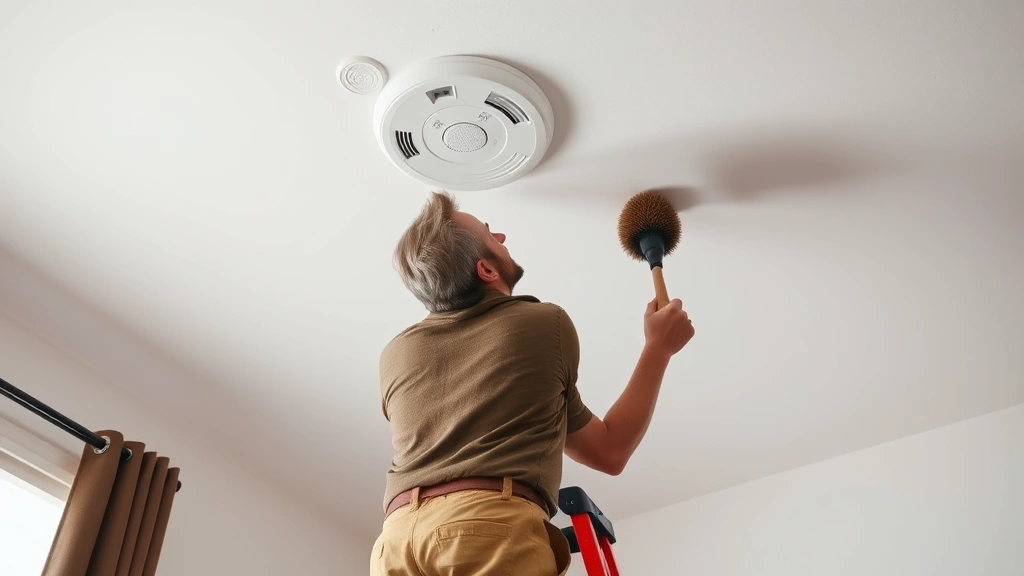
- Dust accumulation — Dust buildup on the sensor can trigger false alarms. Clean your alarms quarterly using a soft brush or compressed air.
- Low battery — A chirping alarm every 30-60 seconds usually indicates a low battery. Replace the battery immediately.
- High humidity — Steam from showers or cooking can trigger alarms in bathrooms and kitchens. Install alarms away from these moisture sources.
- Insect intrusion — Small insects inside the alarm chamber can trigger sensors. Seal any gaps around the alarm unit.
- Malfunctioning sensor — If an alarm continues to trigger despite no visible smoke or dust, the sensor may be defective. Replace the entire unit.
Identifying the root cause prevents repeated false alarms and ensures your system functions properly when there’s actual danger. If you’re experiencing frequent false alarms, document when they occur and what activity preceded them. This information helps pinpoint the exact cause.
For more guidance on troubleshooting home systems, visit our troubleshooting resources which cover similar diagnostic approaches used in home maintenance.
Maintenance and Testing Procedures
Regular maintenance keeps your fire alarms functioning properly and reduces false alarm incidents. Implementing a simple testing and cleaning schedule takes minimal time but significantly improves system reliability.
Monthly Testing:
- Press the test button — Most fire alarms have a dedicated test button. Press and hold it for 3-5 seconds until you hear the alarm sound.
- Verify the alarm sounds — The alarm should produce a loud, continuous sound. If it sounds weak or doesn’t activate, the battery may be low or the unit may be defective.
- Note the date — Keep a maintenance log documenting when you tested each alarm.
Quarterly Cleaning:
- Use compressed air — Hold a can of compressed air 6-8 inches from the alarm and spray short bursts to dislodge dust.
- Soft brush alternative — If you don’t have compressed air, gently brush the alarm’s exterior with a soft-bristled brush.
- Avoid liquid cleaners — Never spray cleaning solutions directly on the alarm, as this can damage the sensor.
Annual Battery Replacement:
Replace batteries in battery-operated alarms annually, even if they haven’t been exhausted. Mark your calendar for the same date each year—many people replace batteries when switching to or from daylight saving time. This ensures consistent protection year-round.
For hardwired systems, test the backup battery monthly by turning off the circuit breaker. The alarm should sound briefly, indicating the backup battery is functioning. If it doesn’t, replace the backup battery immediately.
Safety Precautions and Legal Considerations
While knowing how to turn off fire alarms is important, understanding the legal and safety implications is equally crucial. Most jurisdictions have strict regulations regarding fire alarm systems in residential homes.
Legal Requirements:
- Mandatory installation — Most building codes require fire alarms on every level of your home, in bedrooms, and in hallways leading to sleeping areas.
- Functional requirement — Fire alarms must remain operational at all times. Permanently disabling an alarm violates fire codes and insurance policies.
- Landlord responsibilities — Landlords are legally responsible for maintaining functional fire alarms. Tenants should report non-functional alarms immediately.
- Inspection standards — Fire marshals may inspect homes to ensure alarms meet code requirements. Non-compliant systems can result in fines.
Safety Best Practices:
- Never disable permanently — Only silence alarms temporarily while investigating the cause. Restore full function immediately afterward.
- Replace defective units — If an alarm malfunctions, replace it rather than disabling it. New alarms are inexpensive compared to the protection they provide.
- Install interconnected systems — Consider upgrading to interconnected alarms where one unit triggers all others. This provides faster notification throughout your home.
- Create an evacuation plan — Ensure all household members know what to do when an alarm sounds. Practice the plan quarterly.
Fire alarms are your first line of defense against the dangers of fire. According to This Old House’s smoke detector reviews, properly functioning alarms reduce fire deaths by approximately 50%. Disabling them, even temporarily, removes this critical protection.
If you’re experiencing repeated false alarms, consult Family Handyman’s guidance on smoke alarm issues or contact a professional fire safety inspector. They can identify underlying problems and recommend solutions that maintain your safety.
Your home’s fire alarm system is an investment in your family’s safety. Treat it with the respect it deserves by keeping it functional, testing it regularly, and only disabling it when absolutely necessary and for the shortest duration possible.
FAQ
Can I disable my fire alarm if I’m cooking?
You can temporarily silence your fire alarm using the silence button if cooking smoke triggers it. However, don’t remove the battery or permanently disable it. Instead, improve ventilation by opening windows and using exhaust fans. This prevents false alarms while maintaining safety.
What should I do if my fire alarm won’t stop sounding?
If pressing the silence button doesn’t work, the alarm may detect actual smoke or a serious malfunction. First, investigate for any signs of fire or smoke. If you find none, remove the battery from battery-operated alarms or turn off the circuit breaker for hardwired units. If the alarm continues after battery removal, there’s an electrical fault requiring professional attention.
How often should I replace fire alarm batteries?
Replace batteries annually in battery-operated alarms, regardless of charge level. Mark your calendar for a specific date each year to ensure consistent maintenance. Hardwired systems require annual backup battery replacement as well.
Is it illegal to disable a fire alarm?
Permanently disabling a fire alarm violates fire codes in most jurisdictions and voids your homeowner’s insurance. Temporary silencing for investigation purposes is acceptable, but you must restore full function immediately. Check your local fire code for specific requirements.
What’s the difference between a silence button and a test button?
The silence button temporarily stops an alarm from sounding, usually for 10-15 minutes. The test button verifies the alarm is functioning properly by activating it intentionally. Use the test button monthly for maintenance and the silence button only for false alarm situations.
Why is my hardwired fire alarm beeping even with the battery removed?
Hardwired alarms draw power from your home’s electrical system even without a backup battery. To completely silence a hardwired alarm, you must turn off the circuit breaker controlling the alarm. This is why it’s important to identify the correct breaker before attempting this procedure.
Can smart fire alarms prevent false alarms?
Yes, many smart alarms offer sensitivity adjustments and location-based settings. You can reduce sensitivity in kitchens or bathrooms where false alarms are common. However, never disable the alarm entirely—adjust settings instead to maintain protection while reducing nuisance alarms.

Related Posts

Superscript in Google Docs: Expert Tips

Strikethrough in Excel: Easy Steps for Beginners
