
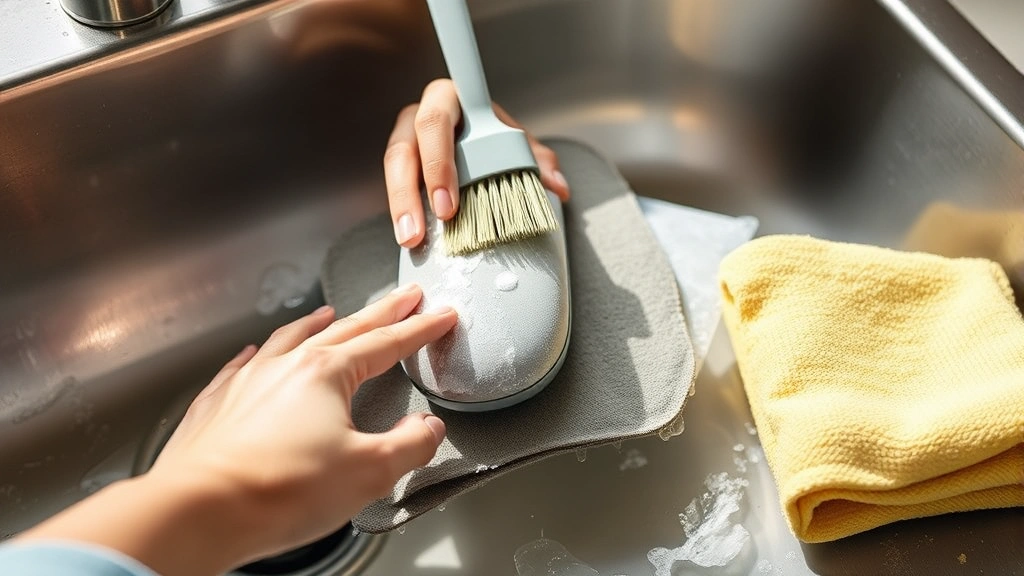
How to Clean Mouse Pad? Expert Tips Inside
How to Clean Mouse Pad: Expert Tips Inside
Your mouse pad accumulates dust, dirt, oils, and grime faster than you might realize. Whether you use it daily for work or gaming, a clean mouse pad ensures better mouse tracking, improved hygiene, and extends the lifespan of your equipment. Over time, the surface becomes sticky, discolored, and less responsive to your mouse movements. The good news is that cleaning your mouse pad is straightforward and requires minimal supplies you likely already have at home.
Regular maintenance of your mouse pad is as important as cleaning other frequently-touched surfaces in your workspace. Like maintaining a clean desk environment, your mouse pad deserves attention to keep your setup fresh and functional. In this comprehensive guide, we’ll walk you through multiple cleaning methods suitable for different mouse pad materials, from fabric to rubber to hard plastic surfaces. By the end, you’ll have professional-level knowledge to restore your mouse pad to like-new condition.
Why Cleaning Your Mouse Pad Matters
Your mouse pad is one of the dirtiest items in your workspace, yet it’s often overlooked during cleaning routines. Think about it—your hands touch your mouse hundreds of times daily, transferring skin oils, food particles, and bacteria directly onto the surface. Over weeks and months, this buildup creates a grimy layer that affects performance and aesthetics.
A clean mouse pad improves mouse sensor accuracy, especially important for gamers and professionals who rely on precision. The buildup of dust and debris interferes with optical sensors, causing tracking lag or erratic movement. Additionally, maintaining hygiene standards is crucial since your hands frequently contact this surface. Regular cleaning prevents bacterial growth and reduces the risk of transferring germs to your face and keyboard.
The lifespan of your mouse pad also depends on proper care. Dirt particles can damage the protective coating, cause permanent staining, and degrade the material faster. Like maintaining hardwood floors, preventative cleaning extends the life of your mouse pad significantly.
Materials You’ll Need
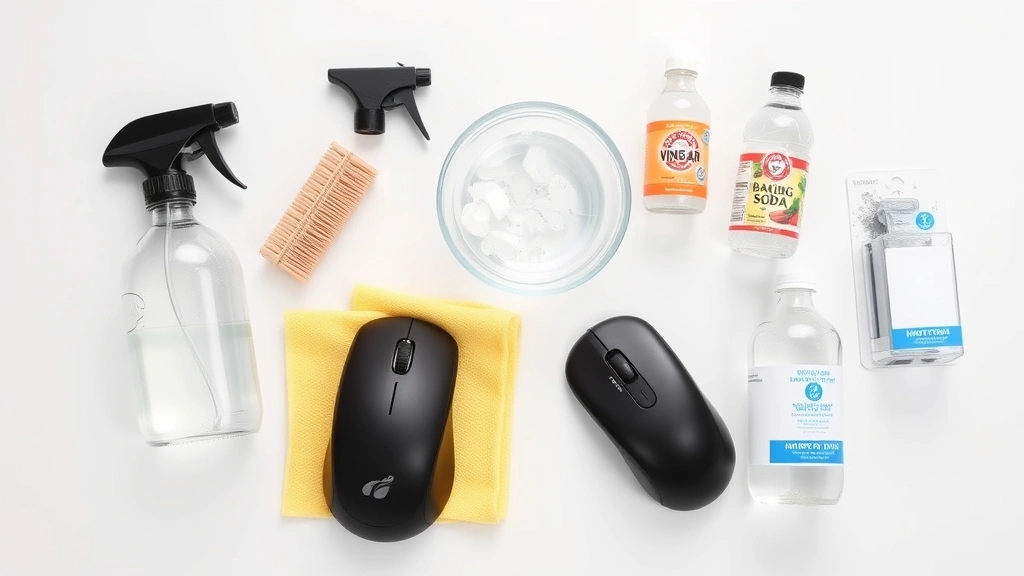
Before starting your mouse pad cleaning project, gather these essential supplies:
- Mild dish soap – Creates a gentle cleaning solution safe for most materials
- Warm water – Helps activate soap and loosen debris
- Soft-bristled brush or toothbrush – Effective for scrubbing without damaging surfaces
- Microfiber cloth – Prevents lint and scratches during cleaning
- Spray bottle – Allows controlled application of cleaning solution
- White vinegar – Natural disinfectant for stubborn stains
- Isopropyl alcohol – Excellent for hard plastic surfaces and quick drying
- Baking soda – Absorbs odors and acts as a mild abrasive
- Towels – For drying; use lint-free options when possible
You don’t need expensive commercial cleaners. These common household items are highly effective and safe for all mouse pad types. Having these materials ready before you start ensures a smooth, efficient cleaning process without interruptions.
How to Clean Fabric Mouse Pads
Fabric mouse pads are the most common type and require gentle handling to avoid damaging the surface. The fabric weave can trap dust and debris deep within, so thorough but careful cleaning is essential.
Step-by-Step Fabric Cleaning Process
- Remove loose debris – Hold your mouse pad vertically and tap it gently against a trash can to dislodge dust and crumbs. You can also use a soft brush to sweep across the surface in one direction.
- Prepare cleaning solution – Mix warm water with a few drops of mild dish soap in a spray bottle. The solution should be diluted enough to prevent oversaturation but concentrated enough to clean effectively.
- Apply solution lightly – Spray the entire surface with your cleaning solution, keeping it damp but not dripping wet. Excess water can seep into the backing and cause damage or mold growth.
- Scrub gently – Using a soft-bristled brush or old toothbrush, work in circular motions across the entire surface. Pay special attention to heavily used areas where your mouse typically sits. Use gentle pressure to avoid matting the fabric.
- Rinse thoroughly – Spray clean water over the surface to remove soap residue. Repeat this step 2-3 times until no soap bubbles remain, as leftover soap can make the surface sticky.
- Remove excess water – Press a clean, dry microfiber cloth onto the surface to absorb moisture. Don’t rub vigorously; instead, use gentle pressing motions.
For stubborn stains on fabric, create a paste using baking soda and water. Apply it to the stained area, let it sit for 15 minutes, then scrub gently with a brush. This method works well for coffee spills, food marks, and discoloration without damaging the fabric integrity.
Cleaning Hard Surface Mouse Pads
Hard plastic or glass mouse pads are easier to clean than fabric versions and dry much faster. These surfaces are more durable and can handle slightly more aggressive cleaning methods.
Plastic Surface Cleaning
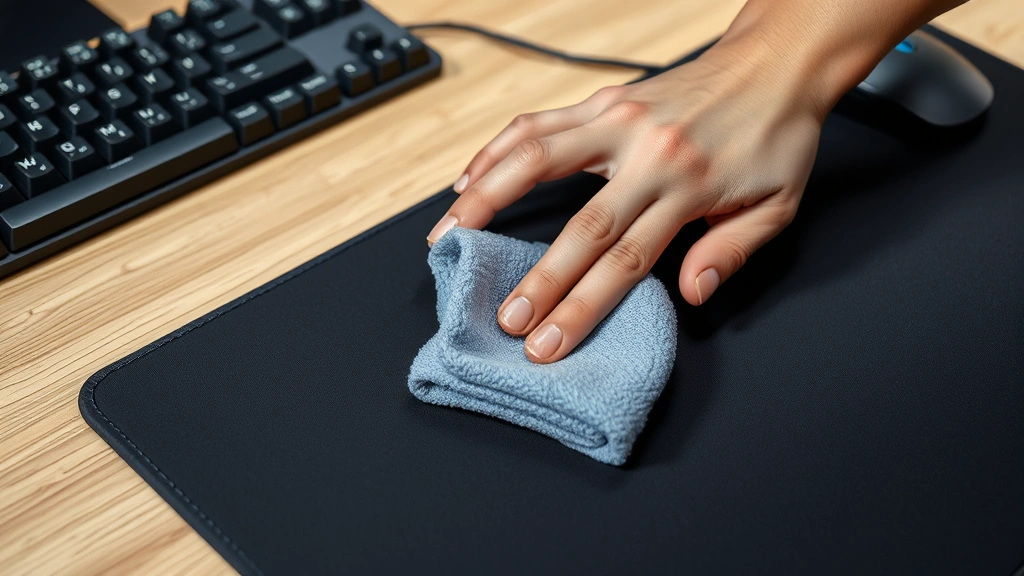
For rigid plastic mouse pads, start by wiping the surface with a dry microfiber cloth to remove dust. Then spray with your mild soap solution and scrub with a soft brush, paying attention to edges and corners where dirt accumulates. Hard surfaces allow you to use slightly more water without worry. Wipe clean with a damp cloth, then dry immediately with a lint-free towel to prevent water spots.
Isopropyl Alcohol Method
Isopropyl alcohol is ideal for hard mouse pads, especially for disinfection and quick drying. Mix equal parts isopropyl alcohol and water in a spray bottle. Spray the solution on the surface and wipe with a microfiber cloth. The alcohol evaporates quickly, leaving no residue. This method is particularly effective for gaming mouse pads that accumulate hand sweat and oils. However, avoid this method on fabric pads as it can damage the material.
Glass Mouse Pad Care
Glass surfaces benefit from glass cleaner, but dilute it significantly or use the soap and water method instead. Spray a small amount of cleaner, wipe with a microfiber cloth, and buff dry to prevent streaks. Glass pads are prone to fingerprints and dust, so regular light cleaning maintains their appearance and functionality better than occasional deep cleaning.
Removing Stubborn Stains and Odors
Sometimes regular cleaning isn’t enough to tackle old stains or persistent odors. These professional-grade techniques address more challenging situations.
Dealing with Stubborn Stains
For set-in stains on fabric mouse pads, mix equal parts white vinegar and water. Apply this solution to the stained area and let it sit for 20-30 minutes. The acidity helps break down the stain without bleaching or damaging the material. Scrub gently with a soft brush, then rinse thoroughly with clean water. Repeat if necessary, but avoid excessive vinegar as the smell can linger temporarily.
Ink or marker stains require immediate attention. Dab the area with isopropyl alcohol using a clean cloth. Work from the outside of the stain inward to prevent spreading. For permanent marker, acetone (nail polish remover) works but test it on a hidden corner first to ensure it doesn’t damage the material.
Eliminating Odors
Musty or stale odors develop when mouse pads aren’t dried properly or stored in damp environments. Sprinkle baking soda generously over the surface and let it sit overnight. The baking soda absorbs odors naturally. Vacuum it up thoroughly the next day, ensuring no residue remains. For persistent odors, mix baking soda with a few drops of essential oil like lavender or lemon before sprinkling on the pad.
Another effective method involves leaving the mouse pad in direct sunlight for several hours. UV rays naturally kill odor-causing bacteria and freshen the material. This works especially well for fabric pads and is completely chemical-free.
Drying and Storage Tips
Proper drying is crucial to prevent mold, mildew, and material degradation. Never put your mouse pad in a dryer or expose it to direct heat sources like radiators or heaters.
Air Drying Best Practices
After cleaning, stand your mouse pad upright or lay it flat on a clean surface in a well-ventilated area. Fabric pads typically dry within 2-4 hours depending on humidity and air circulation. Hard surface pads dry much faster, usually within 30 minutes. In humid climates, use a fan to improve air circulation and speed up drying. Ensure the mouse pad is completely dry before using it again, as moisture can cause tracking issues and create an environment for bacterial growth.
Never use your mouse pad while damp. Placing a wet mouse pad under your mouse can damage the sensor and create a breeding ground for microorganisms. If you need to use your mouse pad immediately after cleaning, use the isopropyl alcohol method since it dries within minutes.
Storage Considerations
Store clean mouse pads in a cool, dry place away from direct sunlight. Excessive heat and UV exposure can fade colors and degrade materials over time. If storing for extended periods, ensure the pad is completely dry first. Consider storing it flat in a drawer rather than rolled up, which can create creases that affect mouse tracking.
Prevention and Maintenance
Regular maintenance prevents heavy buildup and reduces the need for intensive cleaning. Like regular couch cleaning, consistent mouse pad care keeps your equipment in optimal condition.
Weekly Maintenance Routine
Once weekly, wipe your mouse pad with a dry microfiber cloth to remove surface dust. This takes less than a minute but significantly reduces long-term accumulation. Keep a small soft brush near your desk to quickly remove debris throughout the week.
Monthly Deep Cleaning
Monthly, perform a complete cleaning using your chosen method based on your pad’s material. This schedule prevents stains from setting and keeps the surface responsive. Mark your calendar or set a phone reminder to establish this habit.
Hygiene Practices
Wash your hands before extended computer sessions to reduce oil and bacteria transfer to your mouse pad. Keep food and drinks away from your workspace to prevent spills and stains. Consider using a desk mat under your mouse pad to create an additional barrier against dust and debris.
Environmental Factors
Maintain moderate humidity in your workspace, ideally between 30-50 percent. High humidity promotes mold growth, while excessive dryness can cause material brittleness. If you notice your mouse pad accumulating dust quickly, check for air leaks or improve your room’s ventilation.
For more detailed cleaning guidance on related surfaces, check out our guide on cleaning leather furniture for techniques applicable to premium mouse pad materials. You might also find our article on stain removal helpful for addressing stubborn marks on fabric pads.
FAQ
How often should I clean my mouse pad?
Clean your mouse pad weekly with a quick dry wipe and monthly with a thorough wet cleaning. Daily users in dusty environments may need more frequent attention. Adjust the schedule based on visible dirt accumulation and your workspace conditions.
Can I machine wash my mouse pad?
Most fabric mouse pads shouldn’t go in washing machines as the agitation can damage the material and the backing may come loose. Hand cleaning with gentle scrubbing provides better control and prevents damage. However, some premium mouse pads include care tags—check yours first.
What if my mouse pad smells bad after cleaning?
Ensure it’s completely dry before using it again, as residual moisture causes odors. If the smell persists, sprinkle baking soda and let it sit overnight. For severe odors, place the pad in direct sunlight for several hours. If problems continue, the pad may be beyond restoration and replacement might be necessary.
Will cleaning affect my mouse pad’s tracking accuracy?
Proper cleaning actually improves tracking accuracy by removing debris that interferes with optical sensors. Avoid using abrasive scrubbers that might scratch the surface, and never use harsh chemicals that could degrade the sensor area. Clean mouse pads track better than dirty ones.
Can I use bleach or harsh chemicals on my mouse pad?
Avoid bleach and harsh chemicals as they damage materials, fade colors, and can harm the mouse sensor. Stick with mild dish soap, vinegar, baking soda, and isopropyl alcohol—these are effective and safe for all mouse pad types. Always test any solution on a hidden area first.
What’s the best way to remove dried-on food or gum?
Let dried material dry completely, then gently scrape with a plastic scraper or old credit card—never use metal tools that scratch surfaces. For sticky residue, apply isopropyl alcohol and let it sit for a few minutes to soften the material before wiping away. Patience prevents damage better than aggressive scrubbing.
Should I replace my mouse pad if cleaning doesn’t restore it?
If your mouse pad is permanently stained, torn, or no longer tracks properly despite thorough cleaning, replacement is worthwhile. A new mouse pad costs $10-50 depending on quality, while a worn pad affects productivity and hygiene. Consider upgrading to a premium pad with better durability and easier cleaning properties.

Related Posts

Superscript in Google Docs: Expert Tips

Strikethrough in Excel: Easy Steps for Beginners
