
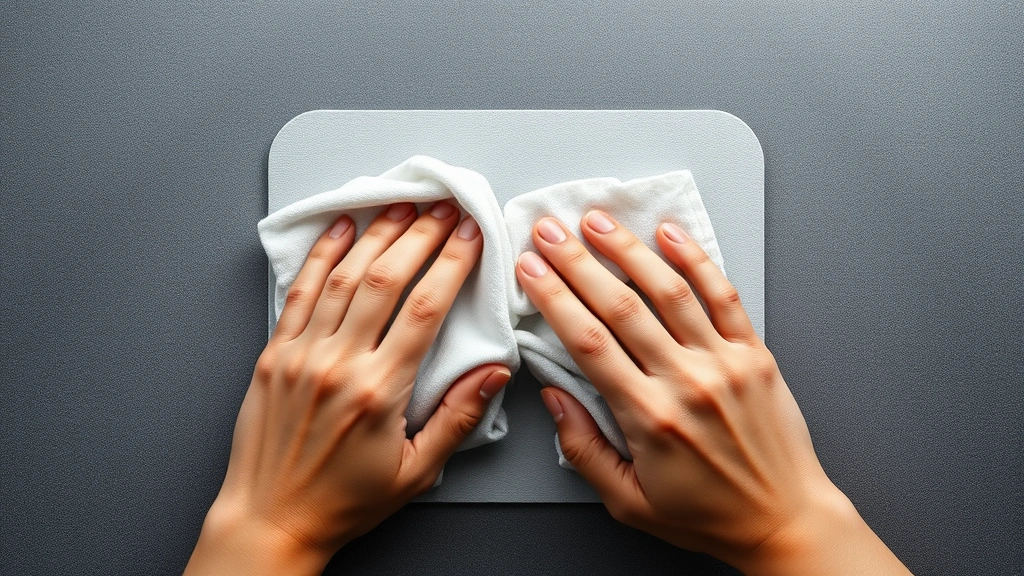
Clean Your Mousepad: Pro Tips for a Fresh Surface
Clean Your Mousepad: Pro Tips for a Fresh Surface
Your mousepad is one of the most frequently touched surfaces in your workspace, yet it’s often overlooked when it comes to cleaning. Day after day, dust, skin cells, food particles, and oils accumulate on its surface, creating a grimy layer that not only looks unsightly but can also affect your mouse’s tracking performance. A dirty mousepad can slow down your cursor movement and harbor bacteria that you’d rather not think about.
Whether you’re working from home, in an office, or gaming for hours on end, maintaining a clean mousepad is essential for both hygiene and optimal performance. The good news? Cleaning your mousepad is straightforward and requires only basic household supplies. In this comprehensive guide, we’ll walk you through professional cleaning techniques that will restore your mousepad to like-new condition.
Why Cleaning Your Mousepad Matters
A clean mousepad isn’t just about aesthetics—it directly impacts your computing experience. When grime builds up on your mousepad’s surface, it creates friction that interferes with your mouse’s optical or laser sensor. This can result in erratic cursor movement, reduced accuracy, and frustrating lag during work or gaming sessions. If you’ve noticed your mouse acting sluggish or unresponsive, a dirty mousepad might be the culprit.
Beyond performance issues, there’s a significant hygiene aspect to consider. Your hands rest on the mousepad throughout the day, transferring oils, bacteria, and other microorganisms onto its surface. Research shows that computer peripherals can harbor more bacteria than a toilet seat. By regularly cleaning your mousepad, you’re reducing the spread of germs and creating a healthier workspace. This is especially important if you share your workspace with others or if you eat while working at your desk.
Additionally, a well-maintained mousepad extends its lifespan. Regular cleaning prevents permanent staining and material degradation, allowing you to get more use from your investment. Much like how you’d maintain other workspace essentials, keeping your mousepad clean is a simple way to ensure longevity and consistent performance.
Supplies You’ll Need
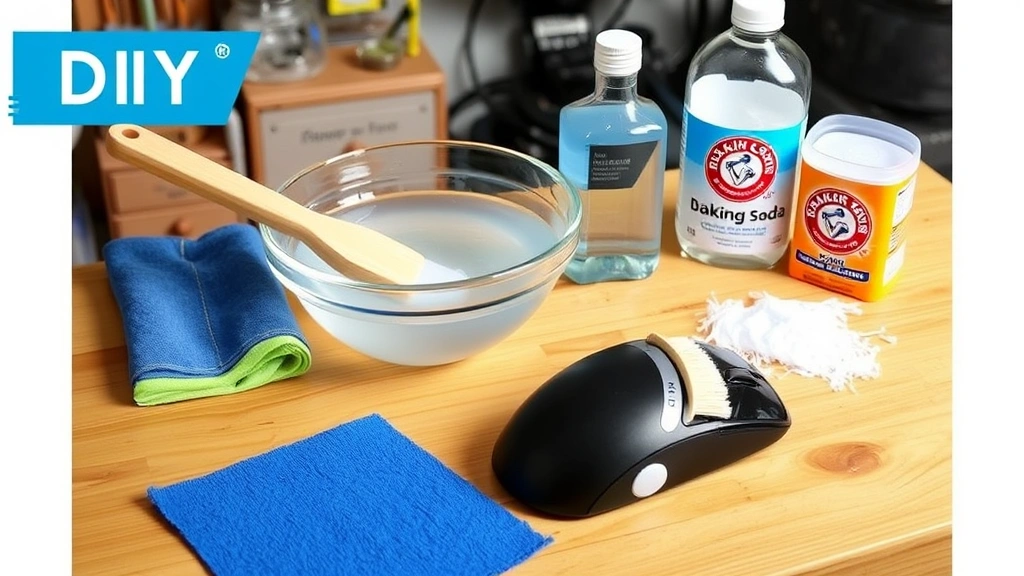
Before you start cleaning, gather the following supplies. Most of these items are already in your home, making mousepad cleaning an economical task:
- Distilled water – Use distilled rather than tap water to avoid mineral deposits and streaks
- Mild dish soap – A gentle, non-abrasive cleanser that won’t damage the mousepad material
- Soft-bristled brush – A toothbrush or small cleaning brush works perfectly for scrubbing
- Microfiber cloth – Essential for drying without leaving lint or scratches
- Isopropyl alcohol (70% solution) – Excellent for disinfecting and removing stubborn residue
- Baking soda – A natural deodorizer and mild abrasive for tough stains
- White vinegar – An all-natural cleaner that cuts through grease and disinfects
- Soft sponge – For gentle scrubbing on delicate surfaces
- Lint-free paper towels – For initial drying
If your mousepad is particularly delicate or made of specialty material, check the manufacturer’s recommendations before using any cleaning solution. Some premium gaming mousepads have specific care instructions that you’ll want to follow.
Step-by-Step Cleaning Methods
Method 1: Basic Soap and Water Cleaning
This is the most straightforward approach and works well for regular maintenance:
- Unplug your mouse from your computer to prevent any accidental clicks or interference
- Mix warm distilled water with a few drops of mild dish soap in a bowl
- Dip a soft cloth into the solution—it should be damp, not soaking wet
- Gently wipe the entire surface of the mousepad in circular motions
- Pay special attention to areas with visible stains or discoloration
- Use a soft-bristled brush to gently scrub stubborn spots
- Rinse by wiping with a cloth dampened in clean distilled water
- Dry thoroughly with a microfiber cloth
- Allow the mousepad to air dry completely before using your mouse again
Method 2: Isopropyl Alcohol Disinfection
For a deeper clean that also disinfects, this method is highly effective:
- Ensure your mousepad is completely unplugged from any devices
- Dampen a microfiber cloth with 70% isopropyl alcohol
- Wipe down the entire surface of the mousepad
- The alcohol will evaporate quickly, taking bacteria and oils with it
- For stubborn stains, let the alcohol sit for 30 seconds before wiping
- Use a clean, dry microfiber cloth to remove any remaining residue
- Allow 5-10 minutes of air drying before reconnecting your mouse
This method is particularly useful if you’ve been sick or if multiple people use the same workspace. It’s also ideal for gaming mousepads that see heavy use.
Method 3: Vinegar Solution for Grease and Odors
White vinegar is a natural powerhouse for cutting through grease and neutralizing odors:
- Mix equal parts white vinegar and distilled water in a spray bottle
- Lightly spray the solution onto your mousepad—avoid oversaturating
- Let it sit for 2-3 minutes to break down grease and disinfect
- Wipe thoroughly with a damp cloth
- Rinse with a cloth dampened in clean water
- Dry completely with a microfiber cloth
The vinegar smell will dissipate as the mousepad dries. If you prefer to skip the vinegar aroma, you can add a drop of essential oil like lavender to the solution.
Deep Cleaning Techniques
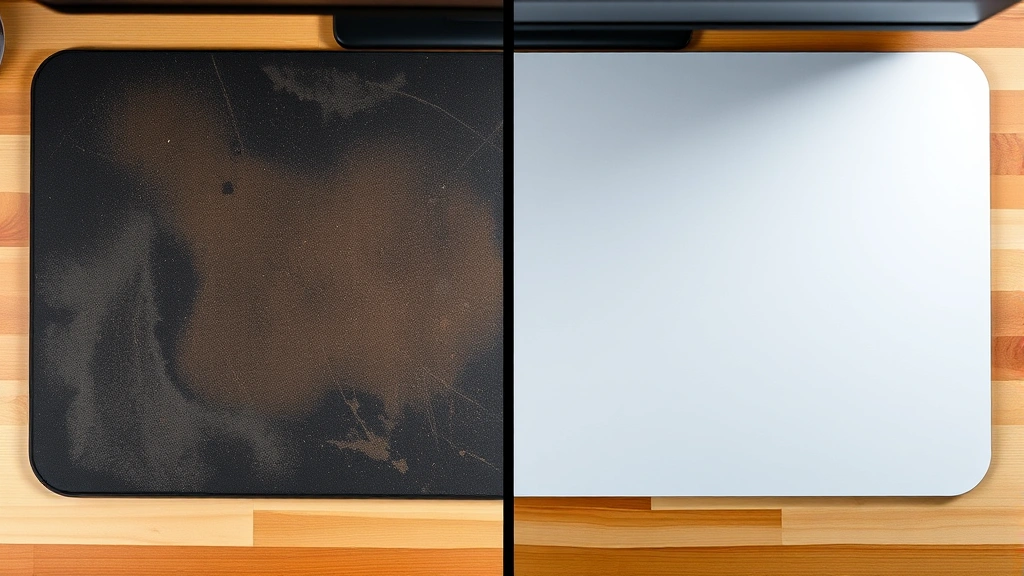
For mousepads that haven’t been cleaned in months or have stubborn stains, these deep cleaning methods will restore them to pristine condition.
Baking Soda Paste Method
Baking soda is a mild abrasive that can tackle tough stains without damaging most mousepad materials:
- Create a paste by mixing baking soda with a small amount of water
- Apply the paste to stained areas of the mousepad
- Use a soft-bristled brush to gently scrub in circular motions
- Allow the paste to sit for 5-10 minutes on particularly stubborn stains
- Rinse thoroughly with a cloth dampened in clean water
- Wipe dry with a microfiber cloth
- Allow to air dry completely
Soaking Method for Cloth Mousepads
If your mousepad is made of cloth material and can withstand water immersion, this method provides the most thorough cleaning:
- Fill a sink or basin with lukewarm water and add mild dish soap
- Submerge your mousepad and let it soak for 10-15 minutes
- Gently agitate the water around the mousepad to loosen debris
- Use a soft brush to gently scrub both sides
- Drain the soapy water and rinse under clean running water
- Repeat the rinse 2-3 times until all soap residue is gone
- Squeeze out excess water gently—don’t wring or twist
- Lay flat on a clean, dry surface or hang to air dry
- Ensure it’s completely dry before using again—this may take 24 hours
Hard Surface Mousepad Deep Clean
Hard plastic or rubber mousepads can tolerate more aggressive cleaning:
- Mix a solution of warm water with dish soap and a tablespoon of baking soda
- Use a soft sponge or cloth to scrub the entire surface
- For edges and crevices, use a soft-bristled brush
- Rinse thoroughly under running water
- Dry with a microfiber cloth
- For disinfection, follow up with a light wipe of isopropyl alcohol
Drying and Storage
Proper drying is crucial to prevent mold, mildew, and material degradation. Never rush this step by using heat sources like hair dryers, as excessive heat can warp or damage your mousepad.
Air Drying Best Practices
After cleaning, lay your mousepad flat on a clean, dry surface in a well-ventilated area. If possible, place it near a fan or open window to accelerate drying. For cloth mousepads, you can also drape them over a clothesline or hang them vertically. Avoid direct sunlight for extended periods, as UV rays can fade colors and potentially damage the material.
Check your mousepad periodically during the drying process. It should feel completely dry to the touch before you reconnect your mouse. Residual moisture can interfere with mouse tracking and create an uncomfortable feeling under your hand.
Storage Recommendations
Store your mousepad in a clean, dry location away from direct sunlight. If you need to store it for an extended period, roll it loosely rather than folding it sharply, which can create permanent creases. Keep it in a dust-free environment—a drawer or cabinet works well. If you store it in a plastic bag, ensure the mousepad is completely dry first to prevent moisture accumulation.
Prevention and Maintenance
The best approach to mousepad cleanliness is prevention. By adopting simple habits, you can significantly reduce how often you need to deep clean.
Daily Habits
Wipe your mousepad with a dry microfiber cloth at the end of each workday. This removes dust and loose particles before they accumulate. Keep food and drinks away from your workspace—this is one of the primary sources of mousepad contamination. If you must have beverages nearby, use a covered cup with a secure lid.
Weekly Maintenance
Once a week, do a quick clean using the basic soap and water method described earlier. This takes only 5-10 minutes and prevents buildup. If you notice any stains or discoloration, address them immediately before they set in permanently.
Monthly Deep Clean
Schedule a monthly deep clean using one of the methods outlined above. This maintains optimal mouse performance and ensures a hygienic workspace. If you share your workspace with others, consider cleaning more frequently.
For additional cleaning guidance on related items, check out our comprehensive guide on how to clean a coffee maker, which shares similar principles of regular maintenance. You might also find our article on how to clean jewelry helpful for understanding how different materials respond to various cleaning solutions.
Visit the FixWiseHub Blog for more how-to guides and tutorials on maintaining your workspace and household items.
Mousepad Material Considerations
Different mousepad materials require slightly different care approaches. Cloth mousepads benefit from regular vacuuming to remove dust before wet cleaning. Hard plastic mousepads can handle more vigorous scrubbing. RGB or illuminated mousepads should never be submerged—stick to damp cloth cleaning methods only. Gaming mousepads with special coatings require gentle care to preserve their performance-enhancing properties.
FAQ
How often should I clean my mousepad?
For daily users, a quick wipe with a dry cloth should happen every day, with a basic wet clean once weekly and a deep clean monthly. If you use your mousepad less frequently, adjust accordingly. Heavy users or those in shared workspaces may benefit from more frequent cleaning.
Can I put my mousepad in the washing machine?
Generally, no. While some cloth mousepads might survive a gentle cycle, most manufacturers don’t recommend machine washing as it can damage the material and affect performance. Hand washing is always safer and more effective for mousepads.
What if my mousepad has a rubber base?
Rubber bases should be cleaned gently with a damp cloth and mild soap. Avoid harsh chemicals or abrasive scrubbing, which can degrade the rubber. The soap and water method or vinegar solution works well for rubber-based mousepads.
Is isopropyl alcohol safe for all mousepad types?
Isopropyl alcohol is generally safe for most mousepads, but test it on a small, inconspicuous area first. Avoid using it on mousepads with special coatings or fabric that might be sensitive to alcohol. The 70% solution is safer than higher concentrations.
How do I remove permanent stains?
For set-in stains, the baking soda paste method is your best bet. Apply it, let it sit longer (15-20 minutes), and scrub gently. For organic stains like coffee or juice, white vinegar can be particularly effective. If stains persist after these methods, they may be permanent discoloration of the material itself.
Can cleaning my mousepad improve mouse performance?
Absolutely. A clean mousepad significantly improves mouse tracking accuracy and responsiveness. Dirt and grime interfere with the mouse’s optical or laser sensor, so cleaning can noticeably enhance performance, especially for gaming or precision work.
What’s the fastest way to clean a mousepad?
The isopropyl alcohol method is quickest—it takes about 5 minutes and requires minimal drying time. Simply wipe with a damp cloth, let it air dry for a few minutes, and you’re done. This is perfect for quick maintenance between deeper cleans.
Should I clean my mouse too?
Yes! Your mouse accumulates similar dirt and bacteria. Use the same isopropyl alcohol method on the bottom and sides. For the top surface and buttons, a slightly damp microfiber cloth with mild soap works well. Keep the lens on the bottom especially clean for optimal tracking.

Related Posts

Superscript in Google Docs: Expert Tips

Strikethrough in Excel: Easy Steps for Beginners
