
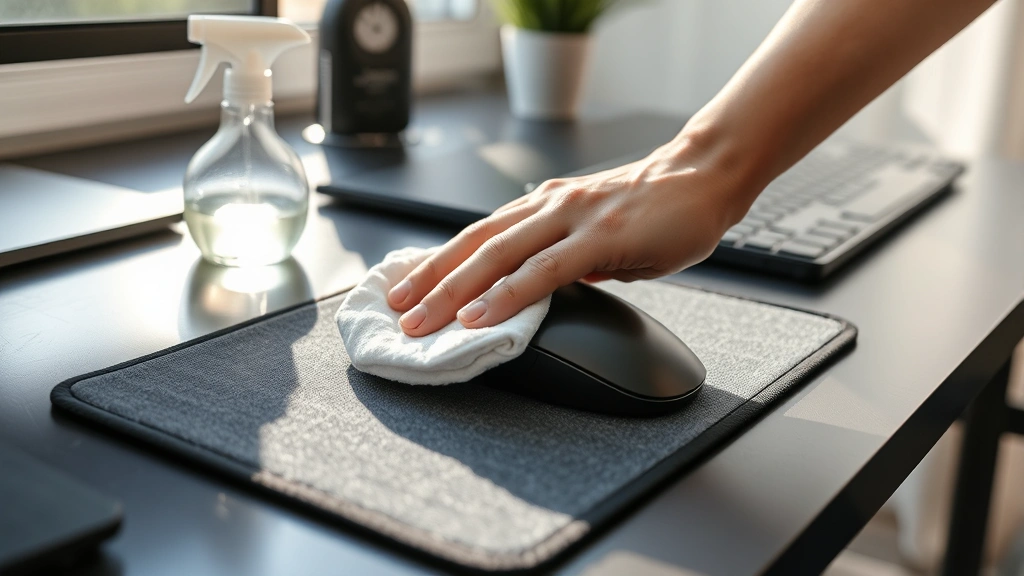
Clean a Mouse Pad? Expert Tips Inside
How to Clean a Mouse Pad: Expert Tips Inside
Your mouse pad is one of the most frequently touched surfaces in your workspace, yet it’s often overlooked during cleaning routines. Over time, dust, dead skin cells, oils from your hand, and debris accumulate on the surface, creating a grimy layer that can affect your mouse’s tracking accuracy and harbor bacteria. Whether you use a fabric pad, hard plastic surface, or premium gaming mouse pad, learning how to clean a mouse pad properly will extend its lifespan and maintain optimal performance.
The good news is that cleaning a mouse pad requires minimal effort and common household supplies. With the right techniques and materials, you can restore your mouse pad to like-new condition in just a few minutes. This guide walks you through every method, from basic spot cleaning to deep sanitization, ensuring your workspace stays hygienic and your mouse pad functions flawlessly.
Why Clean Your Mouse Pad
A dirty mouse pad doesn’t just look unpleasant—it actively impacts your computing experience. When grime builds up on the surface, your mouse’s optical or laser sensor struggles to track movement accurately, causing erratic cursor behavior and frustration during work or gaming. The padding underneath can compress unevenly, creating dead zones where the mouse doesn’t respond properly.
Beyond functionality, hygiene matters significantly. Your hands spend hours resting on the mouse pad daily, transferring oils, sweat, and bacteria. If you eat at your desk or use your mouse after meals, food particles settle into fabric fibers. These conditions create an ideal breeding ground for bacteria and germs. Regular cleaning prevents the spread of illness and maintains a healthier workspace environment.
For gamers and professionals who invest in premium mouse pads, cleaning is essential maintenance. High-end gaming pads with specialized surfaces—designed for specific mouse sensor types—require proper care to preserve their performance characteristics. A well-maintained mouse pad ensures consistent, predictable tracking that competitive gaming demands.
Materials You’ll Need
Before starting your mouse pad cleaning project, gather these supplies:
- Microfiber cloth – The safest option for all mouse pad types; won’t scratch surfaces
- Distilled water – Prevents mineral deposits that tap water leaves behind
- Mild dish soap – Gentle enough for delicate surfaces; use sparingly
- Isopropyl alcohol (70% concentration) – Excellent disinfectant that evaporates quickly
- Soft-bristled brush – Removes debris from fabric pads without damaging fibers
- Cotton swabs – Reaches edges and corners effectively
- Lint-free paper towels – Prevents lint residue on your pad
- Spray bottle – Distributes cleaning solution evenly
- Rubber gloves – Protects your hands during cleaning
Avoid harsh chemicals like bleach, acetone, or abrasive cleaners. These damage mouse pad materials, strip protective coatings, and can cause discoloration. Never use steel wool or rough scrubbing pads that scratch surfaces.
Cleaning Fabric Mouse Pads
Fabric mouse pads—the most common type—require gentle handling to preserve their texture and performance characteristics. The weave can trap dust deeply, making thorough cleaning essential.
Quick Surface Clean
For daily maintenance, perform a quick surface clean:
- Unplug your mouse and remove the pad from your desk
- Hold the pad vertically and gently tap it against a trash can to dislodge loose dust and debris
- Use a soft-bristled brush or old toothbrush to lightly brush the surface in one direction, following the fabric weave
- Wipe with a dry microfiber cloth using gentle circular motions
- Inspect edges and seams with a cotton swab to remove trapped dust
Damp Cleaning Method
When your pad needs more thorough cleaning:
- Mix a solution of distilled water and one drop of mild dish soap in a spray bottle
- Spray the solution lightly onto a microfiber cloth—never spray directly on the pad, as excess moisture damages the base
- Gently wipe the entire surface using circular motions, paying special attention to high-contact areas where your hand rests
- Use a separate damp cloth with plain distilled water to rinse away soap residue
- Dry immediately with a lint-free cloth, pressing gently to absorb moisture
- Stand the pad upright to air dry completely before use (minimum 2-4 hours)
For stubborn stains or sticky residue, increase the damp cloth pressure slightly, but avoid aggressive scrubbing that damages fabric fibers. If you’re familiar with how to clean a couch, you’ll recognize these gentle fabric-care principles apply equally to mouse pads.
Cleaning Hard Surface Mouse Pads
Hard plastic, aluminum, or glass mouse pads offer easier cleaning than fabric alternatives. These non-porous surfaces resist staining and dry quickly.
Basic Cleaning
For regular maintenance of hard surface pads:
- Disconnect your mouse and lift the pad from your desk
- Rinse under lukewarm running water to remove dust and debris
- Apply a tiny amount of mild dish soap to a microfiber cloth
- Wipe the entire surface, including edges and bottom, using gentle circular motions
- Rinse thoroughly under clean running water until no soap remains
- Dry completely with a lint-free cloth
Disinfection for Hard Surfaces
Hard pads handle stronger cleaning solutions well:
- Dampen a microfiber cloth with 70% isopropyl alcohol
- Wipe the entire surface thoroughly, ensuring good coverage
- Pay special attention to edges where bacteria accumulate
- Allow to air dry completely (alcohol evaporates quickly, typically within 5-10 minutes)
- The surface will be sanitized and ready for immediate use
For stubborn buildup on hard surfaces, you can use a slightly stiffer brush—just avoid anything abrasive that scratches the material. Many hard mouse pad manufacturers recommend their cleaning procedures, so check your product documentation first.
Deep Cleaning Methods
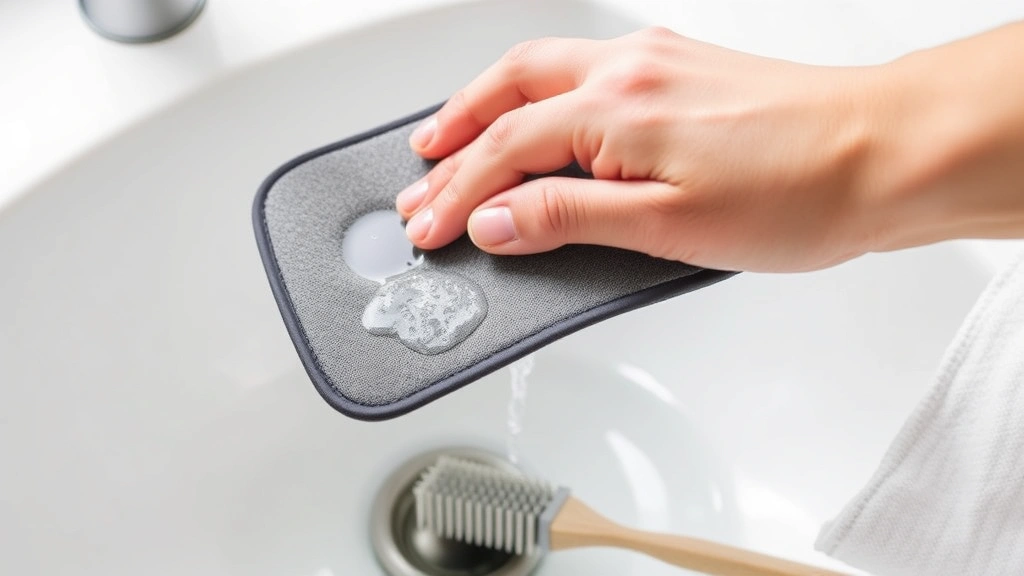
When regular cleaning doesn’t restore your mouse pad to its original condition, deep cleaning becomes necessary. This approach tackles embedded dirt, stains, and bacteria buildup.
Fabric Pad Deep Clean
For fabric pads that need intensive restoration:
- Soak preparation: Fill a basin or bathtub with lukewarm water and add one-quarter teaspoon of mild dish soap, stirring gently
- Soak time: Submerge the fabric pad completely and let it soak for 10-15 minutes, allowing the soapy water to penetrate fibers and loosen embedded dirt
- Gentle agitation: After soaking, gently swish the pad through the water or lightly rub stained areas between your hands—never wring or twist the pad, which damages fibers and the base layer
- Rinse thoroughly: Remove the pad and rinse under cool running water until water runs clear and no soap remains
- Press out excess moisture: Lay the pad flat on a clean towel and press gently to absorb water without wringing
- Air dry completely: Stand the pad upright in a well-ventilated area for at least 24 hours before using
For particularly stubborn stains, you can add a small amount of white vinegar to the soaking water (one tablespoon per gallon). Vinegar breaks down mineral deposits and tough residue without damaging fabric.
Hard Pad Deep Clean
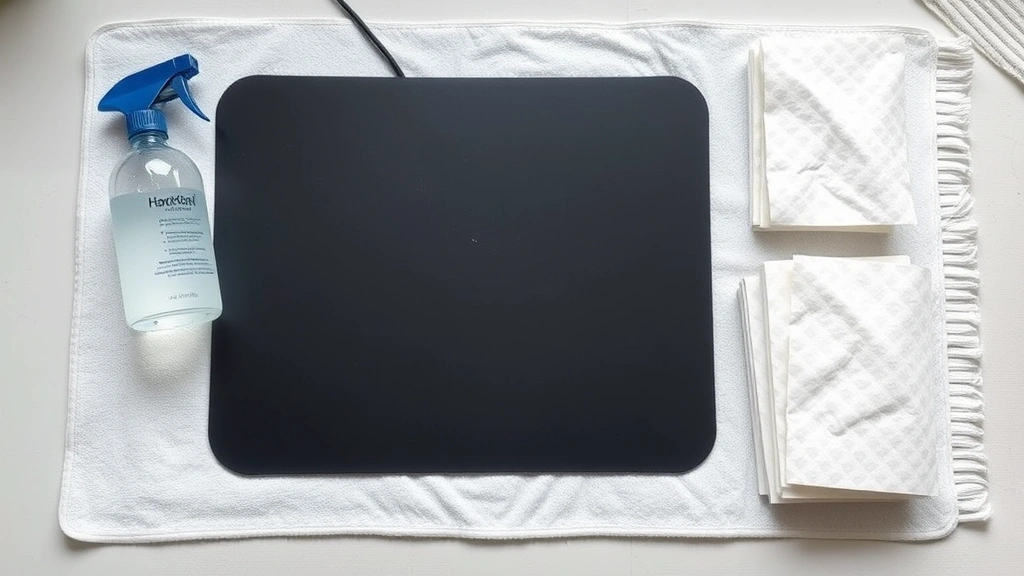
Hard surface pads respond well to more aggressive cleaning:
- Soak method: Place the pad in a basin of warm water with one-quarter teaspoon dish soap for 5-10 minutes
- Brush gently: Use a soft-bristled brush to work the soapy water across the surface, paying attention to any textured areas
- Rinse thoroughly: Rinse under running water until completely clean
- Sanitize: Wipe with a cloth dampened in 70% isopropyl alcohol for disinfection
- Final rinse: Give a final rinse with plain water to remove any alcohol residue
- Dry completely: Dry with lint-free cloths; hard surfaces dry quickly
Specialized Stain Treatment
For specific stain types:
- Ink or marker stains: Dampen a cloth with isopropyl alcohol and hold it on the stain for 30 seconds, then gently rub. Alcohol dissolves many ink formulations without damaging most mouse pad materials
- Food or sticky residue: Apply a tiny amount of warm water with dish soap and let it sit for 2-3 minutes to soften the residue, then gently wipe away
- Mold or mildew (fabric pads): Mix equal parts white vinegar and water in a spray bottle, lightly spray affected areas, let sit 10 minutes, then wipe and dry thoroughly in sunlight if possible
Drying and Storage Tips
Proper drying prevents mold growth, odor development, and material damage. This step is as important as the cleaning itself.
Drying Guidelines
Never rush the drying process by using heat sources like hair dryers, ovens, or radiators. Heat can warp mouse pad bases, damage adhesives, and shrink fabric. Instead:
- Stand fabric pads upright in a well-ventilated area away from direct sunlight
- Ensure air circulates on both sides of the pad
- Place hard pads flat on a clean, dry surface
- Use a fan to accelerate air circulation if needed
- Allow minimum 4-6 hours for fabric pads; 1-2 hours for hard surfaces
- Check that the pad feels completely dry before reconnecting your mouse
Storage Recommendations
If you need to store a mouse pad temporarily:
- Ensure it’s completely dry before storage
- Store flat or rolled loosely—never fold, which creates permanent creases
- Keep in a cool, dry place away from humidity and temperature extremes
- Store away from direct sunlight, which can fade colors and degrade materials
- Keep separate from damp or moldy items
For long-term storage, consider placing the pad in a sealed plastic bag with a silica gel packet to control humidity.
Maintenance Schedule
Establishing a regular cleaning schedule prevents heavy buildup and maintains optimal mouse pad performance. Think of it like maintaining other frequently-used items in your home—just as you’d follow how to clean a coffee maker regularly, your mouse pad deserves consistent care.
Daily Maintenance
- Wipe your mouse pad with a dry microfiber cloth at the end of each workday
- This removes surface dust and prevents it from embedding into fibers
- Takes less than one minute but significantly extends cleaning intervals
Weekly Cleaning
- Perform a quick surface clean with a soft brush and damp microfiber cloth
- Pay attention to edges and corners where dust accumulates
- Takes 5-10 minutes and keeps your pad looking fresh
Monthly Deep Clean
- Do a thorough damp cleaning for fabric pads or full wash for hard surfaces
- Sanitize with isopropyl alcohol if desired
- Inspect for stains or damage
- Takes 15-30 minutes including drying time
Seasonal Inspection
- Check for signs of wear, damage, or deterioration
- Inspect the base for separation from the surface material
- Look for permanent stains or discoloration
- Decide if repair or replacement is needed
If you maintain a clean workspace overall—similar to how you’d approach how to clean hardwood floors—your mouse pad stays cleaner naturally, reducing cleaning frequency needed.
For gaming enthusiasts or professionals using specialized mouse pads, consider cleaning every two weeks rather than monthly. The investment in premium pads justifies more frequent maintenance to preserve performance characteristics.
FAQ
Can I wash my mouse pad in a washing machine?
Most fabric mouse pads can tolerate a gentle cycle with cold water and mild detergent, but hand washing is safer. Machine washing risks damage to the base layer, adhesives, and overall structural integrity. The agitation and spinning can cause the pad to warp or separate. If you must use a machine, use the gentlest cycle with cold water and no spin, then air dry completely. Always check manufacturer recommendations first.
What’s the best way to remove permanent stains?
Permanent stains often require repeated treatment. For fabric pads, try a mixture of white vinegar and baking soda made into a paste—apply, let sit 15 minutes, then gently scrub and rinse. For hard surfaces, isopropyl alcohol works best. If stains persist after multiple treatments, they may be truly permanent, and replacement might be more practical than continued effort. Some stains actually become less noticeable with time as they blend with overall pad patina.
Is isopropyl alcohol safe for all mouse pad types?
70% isopropyl alcohol is safe for most mouse pads but verify with your specific product’s care instructions. It’s particularly safe for hard surfaces but can sometimes affect certain fabric dyes or finishes. Test on a small, inconspicuous area first. Never use concentrations higher than 70%, as stronger solutions can damage materials. Alcohol evaporates quickly, leaving no residue.
How do I prevent mold growth on fabric pads?
Keep your mouse pad dry and well-ventilated. Never store a damp pad or leave it in humid environments. If you live in a humid climate, use a dehumidifier in your workspace. If mold appears, treat immediately with equal parts white vinegar and water, let sit 10 minutes, then dry thoroughly in sunlight if possible. The UV light naturally kills mold spores. Ensure your workspace has good air circulation.
Can I use bleach to disinfect my mouse pad?
Avoid bleach entirely. It’s too harsh for most mouse pad materials, causing discoloration, weakening fibers, and damaging adhesives. For disinfection, 70% isopropyl alcohol is far superior and safer. If you need strong antimicrobial action, use a diluted bleach solution (1 part bleach to 10 parts water) on hard pads only, and rinse extremely thoroughly afterward. For fabric pads, stick with vinegar solutions or isopropyl alcohol.
What should I do if my mouse pad develops an odor?
Odors indicate bacterial growth or mold. First, ensure the pad is completely dry—dampness perpetuates odor. Wash the pad thoroughly with mild soap and water, then sanitize with isopropyl alcohol. For persistent odors, soak fabric pads in a solution of water with white vinegar (1 part vinegar to 3 parts water) for 15 minutes, then rinse and dry completely. Store in a well-ventilated area. If odor returns quickly, the pad may need replacement.
How often should I replace my mouse pad?
With proper maintenance, quality mouse pads last 2-5 years. Replace when you notice permanent stains, significant wear patterns, loss of tracking accuracy, separation of layers, or persistent odors that cleaning doesn’t resolve. Heavy users or gamers might replace annually for optimal performance. Budget mouse pads may need replacement every 1-2 years, while premium pads justify longer lifespans with proper care.
Can I clean my mouse pad while it’s still connected to my mouse?
Always disconnect your mouse and remove the pad from your desk before cleaning. This prevents water damage to your mouse’s circuitry and sensor. It also allows you to clean the entire pad surface, including the underside that your mouse sits on. Disconnecting takes seconds and ensures safety.

Related Posts

Superscript in Google Docs: Expert Tips

Strikethrough in Excel: Easy Steps for Beginners
