

Set Stop Loss on Fidelity: Expert Tips & Guide
How to Set Stop Loss on Fidelity: Expert Tips & Complete Guide
Managing your investment portfolio requires strategic planning and protective measures to safeguard your capital. One of the most effective tools available to traders and investors is the stop loss order, a critical risk management feature that automatically sells your securities when they reach a predetermined price. If you’re using Fidelity, one of the nation’s largest brokerage firms, understanding how to set stop loss orders can mean the difference between protecting your gains and experiencing significant losses.
A stop loss order acts as a safety net for your investments, triggering an automatic sale when a stock drops to a specified price level. This mechanism helps investors avoid emotional decision-making during market downturns and ensures disciplined portfolio management. Whether you’re a beginner investor just starting your journey or an experienced trader looking to refine your strategy, this comprehensive guide will walk you through every aspect of setting stop loss orders on Fidelity’s platform.
Understanding Stop Loss Orders
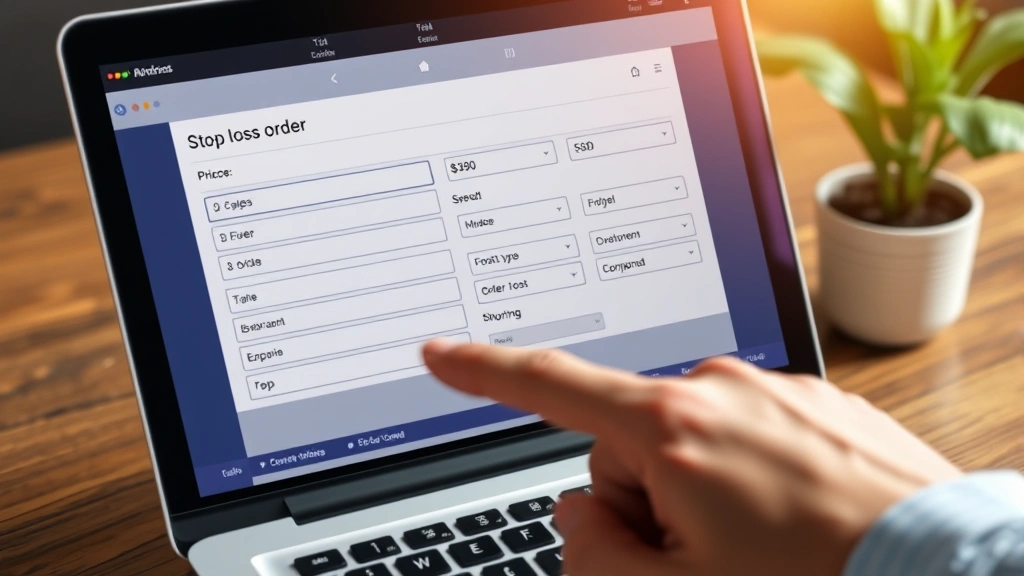
A stop loss order, also called a stop order or stop-market order, is an instruction you place with your broker to sell a security automatically when it reaches a specific price point known as the stop price. When the stock trades at or below your stop price, the order converts into a market order, executing the sale at the next available price. This differs from a limit order, where you specify the exact price at which you’re willing to sell.
Fidelity offers several types of stop loss orders to accommodate different trading styles and market conditions. The basic stop-market order is the most straightforward option, executing a market sale once the stop price is triggered. However, Fidelity also provides stop-limit orders, which combine stop price functionality with a price limit, giving you more control over your exit price. Understanding these distinctions helps you choose the most appropriate order type for your specific situation.
The mechanics of stop loss orders are straightforward but powerful. You decide on a stop price—typically a percentage below your purchase price or below a technical support level. Once the stock price falls to that level during regular trading hours, your order activates and sells your shares at the market price. This automatic execution removes emotion from the selling decision and ensures you don’t miss the opportunity to exit a declining position.
Why Stop Loss Orders Matter
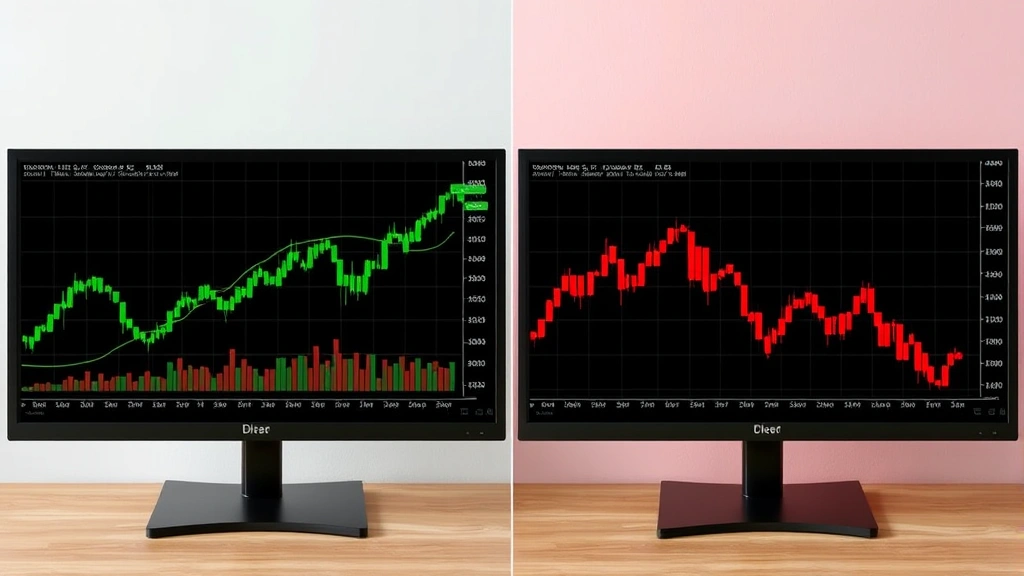
Risk management separates successful investors from those who suffer devastating portfolio losses. Stop loss orders are fundamental to this protective strategy, allowing you to define your maximum acceptable loss on any position before you even purchase the security. By setting a stop loss at purchase time, you establish clear exit criteria and prevent the psychological trap of holding losing positions in hopes of recovery.
Market volatility can strike without warning, and prices can plummet during earnings announcements, economic reports, or unforeseen company events. Without a stop loss order in place, you might wake up to find your investment has dropped 20, 30, or even 50 percent while you were sleeping or focused on other matters. A properly set stop loss order ensures you’re never caught completely off guard by catastrophic declines.
Stop loss orders also help you maintain portfolio discipline across multiple positions. Rather than constantly monitoring each holding, you can set appropriate stop losses and focus on identifying new opportunities. This is especially valuable for busy professionals who cannot watch their portfolios throughout the trading day. Additionally, stop loss orders help you preserve capital for new investment opportunities by limiting losses on underperforming positions.
Accessing Fidelity’s Trading Platform
To set a stop loss order on Fidelity, you first need to access the platform where you can place trades. Fidelity provides multiple access points: their website at Fidelity.com, the mobile app available on iOS and Android, and their Active Trader Pro platform for more advanced users. Each platform offers similar stop loss functionality, though the interface varies slightly.
For most investors, the website or mobile app provides sufficient functionality to set stop loss orders quickly and efficiently. Log into your Fidelity account using your username and password, ensuring you’re connected to a secure internet connection. Once logged in, navigate to your portfolio or the specific stock position you want to protect with a stop loss order. The platform will display your current holdings with relevant pricing information and order options.
If you prefer a more robust trading interface with advanced charting tools and order types, Fidelity’s Active Trader Pro platform is available for download. This professional-grade software provides enhanced functionality for active traders and investors who want more control over their order placement and execution. Regardless of which platform you choose, the fundamental process for setting stop loss orders remains consistent.
Step-by-Step Guide to Setting Stop Loss
Step 1: Locate Your Position
Start by navigating to your portfolio page within Fidelity. You’ll see a list of all your current holdings displayed with the current price, your cost basis, and your gain or loss on each position. Identify the specific stock or security for which you want to set a stop loss order. Click on the position to open the detailed view where you can place orders.
Step 2: Access the Order Placement Menu
Once you’ve selected your position, look for an order placement button or link. On the Fidelity website, this typically appears as a “Trade” or “Place Order” button near the stock quote. Click this button to open the order entry form where you can specify your order type, quantity, and price parameters. The order form is where all the important decisions about your stop loss order take place.
Step 3: Select Stop-Market Order Type
In the order type dropdown menu, select “Stop-Market” or “Stop Order” depending on your platform. This order type will trigger a market sale once your stop price is reached. If you prefer more control over your exit price, you can alternatively select “Stop-Limit,” which adds a limit price that prevents your shares from selling below a certain threshold. For most investors, stop-market orders provide sufficient protection and faster execution.
Step 4: Enter Your Stop Price
This is the critical decision point. Determine the price at which you want your position sold automatically. Many investors use a percentage decline approach, such as 10 or 15 percent below their purchase price. Others use technical analysis to identify key support levels and set their stop price just below these levels. Enter your chosen stop price in the designated field. Double-check this number carefully, as it determines when your position exits.
Step 5: Verify Order Details
Before submitting your order, review all the details carefully. Confirm you’re selling the correct number of shares, that the stop price is accurate, and that the order type matches your intention. Fidelity will display a summary of your order showing the security, quantity, order type, and stop price. Take a moment to ensure everything is correct—this prevents costly mistakes from being executed.
Step 6: Submit Your Order
Once you’ve verified all details, click the “Submit” or “Place Order” button to activate your stop loss order. Fidelity will provide confirmation that your order has been accepted and assigned an order number. Save this confirmation for your records. Your stop loss order is now active and will execute automatically if the stock price reaches your stop price during regular trading hours.
Advanced Stop Loss Strategies
Experienced investors often employ sophisticated stop loss strategies that go beyond simple percentage-based stops. One popular technique is the trailing stop loss, which automatically adjusts upward as your stock price rises, locking in gains while still allowing for appreciation. Fidelity supports trailing stops on many securities, allowing you to specify a dollar amount or percentage that the price must drop before triggering a sale. This approach is particularly effective in strong uptrends where you want to participate in gains but protect against reversals.
Another advanced strategy involves using technical analysis to identify optimal stop loss levels. Rather than using arbitrary percentages, technical traders analyze chart patterns, support and resistance levels, and moving averages to determine where their thesis breaks down. For example, if you buy a stock that breaks above a key resistance level, you might set your stop loss just below that resistance level, where the break of support would invalidate your original thesis.
The volatility-adjusted stop loss is another sophisticated approach that accounts for a security’s historical price swings. Stocks with high volatility require wider stops to avoid premature exits from normal price fluctuations, while stable stocks can use tighter stops. You can calculate this by examining the stock’s average true range (ATR) or standard deviation and setting your stop loss accordingly.
Position sizing and stop loss placement work together to create a complete risk management framework. If you’re risking 2 percent of your portfolio on a position, your stop loss placement determines how much you can invest. For example, if a stock is $100 and you want to risk only 2 percent of your $50,000 portfolio ($1,000), you might place a stop loss at $90, allowing you to purchase 100 shares. This mathematical approach ensures consistent risk across all positions.
Common Mistakes to Avoid
Many investors set stop loss orders incorrectly or fail to use them effectively. One common mistake is setting stops too tight, creating hair-trigger exits that sell positions during normal market volatility. If you set a stop loss just 2 percent below your purchase price on a volatile stock, you might be stopped out before the market even recognizes your thesis. Research the stock’s typical trading range and volatility before setting your stop price.
Another frequent error is placing stop losses at round numbers where other traders are likely to place theirs. When stop losses cluster at round numbers like $50 or $100, you risk being stopped out by normal technical support levels rather than fundamental deterioration. Consider setting your stop price at slightly unconventional levels, such as $49.85 instead of $50, to avoid this crowded territory.
Some investors make the mistake of ignoring their stop loss orders after placing them, essentially negating their protective value. If your stop loss triggers, you must respect the signal rather than immediately buying back in, hoping to recover losses. Similarly, don’t cancel stop loss orders when a position moves against you—this removes your protection exactly when you need it most.
Failing to account for earnings announcements and major economic reports is another critical error. Stocks often gap down significantly on negative earnings surprises, potentially opening below your stop price. In these situations, your order might execute at a much worse price than your stop price. Consider tightening stops before major events or using stop-limit orders for additional price protection.
Monitoring Your Stop Loss Orders
After placing your stop loss order, you should monitor it periodically to ensure it remains appropriate as market conditions and your investment thesis evolve. Fidelity provides an “Orders” or “Pending Orders” section where you can view all your active stop loss orders, including their status and details. Regularly reviewing this section helps you stay aware of your risk management strategy.
As your stock appreciates, consider adjusting your stop loss upward to protect your gains. For example, if you bought at $50 with a $45 stop loss and the stock rises to $60, you might move your stop loss to $55, ensuring you keep at least $5 of your gains even if the stock reverses. This disciplined approach to moving stops higher helps you compound gains over time.
Conversely, if new negative information emerges about your position, you might tighten your stop loss to exit quickly if the thesis deteriorates. Conversely, if positive developments suggest higher potential, you might widen your stop loss to avoid being shaken out of a winning position. The key is making these adjustments based on fundamental or technical changes, not emotions or short-term price movements.
Set calendar reminders to review your stop loss orders quarterly or when significant market events occur. This ensures you’re actively managing your risk rather than passively hoping your stops protect you. Additionally, educate yourself about market hours and after-hours trading, as stop orders typically only execute during regular market hours (9:30 a.m. to 4 p.m. Eastern Time).
FAQ
What’s the difference between a stop-market and stop-limit order?
A stop-market order becomes a market order once the stop price is triggered, selling at the next available price. A stop-limit order becomes a limit order, selling only at your specified limit price or better. Stop-market orders guarantee execution but not price, while stop-limit orders guarantee price but not execution.
Can I set stop loss orders on ETFs and mutual funds through Fidelity?
Yes, Fidelity allows stop loss orders on most ETFs and many mutual funds. However, mutual fund stop orders typically execute at the next calculated net asset value (NAV) rather than intraday prices. Check Fidelity’s platform to confirm the specific security supports stop orders.
What happens to my stop loss order if I don’t log in for several months?
Your stop loss order remains active as long as your account is open and the security exists. However, some orders may expire after a certain period (typically 60 days for day orders or until canceled for good-til-canceled orders). Check your order type to understand its expiration terms.
Can I place stop loss orders during after-hours trading?
You can place stop loss orders during after-hours trading, but they typically only execute during regular market hours. If you want protection during after-hours trading, consider using Fidelity’s after-hours trading functionality with limit orders instead.
How close should my stop loss be to my entry price?
This depends on the stock’s volatility, your risk tolerance, and your investment thesis. Conservative investors might use 15-20 percent stops, while aggressive traders might use 5-10 percent stops. Analyze the stock’s historical volatility and your specific situation to determine the appropriate distance.
Does Fidelity charge fees for placing stop loss orders?
Fidelity does not charge additional fees for placing stop loss orders. Standard commission rates apply when your stop order executes and your shares are sold, though Fidelity offers commission-free stock trading for most retail investors.

Related Posts

Superscript in Google Docs: Expert Tips

Strikethrough in Excel: Easy Steps for Beginners
